
 Back to all posts


SEO quick wins are changes to pages you already have, and to links you are already owed, that can show up in Google Search Console within weeks. Some of them have been tested with a control group and some have not, and the tested ones did not all win.
This page lists seven fixes in the order we would do them. Each comes with the test or tool fact behind it and, where the source gives them, the sample and the time window. Where a change lost or made no difference, we say so.
1. Find the queries that sit just off page one
Start with one list: the queries where a page on your site sits just off page one and already earns impressions. Those are your quick win keywords, this step is the method behind the phrase, and Google Search Console already holds the data.
Open the Performance report in Google Search Console. Google's documentation describes it: "The default view of the report shows click and impression data for your site in Google Search results for the past three months." It defines average position as: "Average position: The average position of the topmost result from your site."
Then work through the method in four steps:
- Open the Performance report and switch on average position.
- Sort the queries by impressions, highest first.
- Keep the queries whose average position falls inside the band you choose.
- Note the page that ranks for each one.
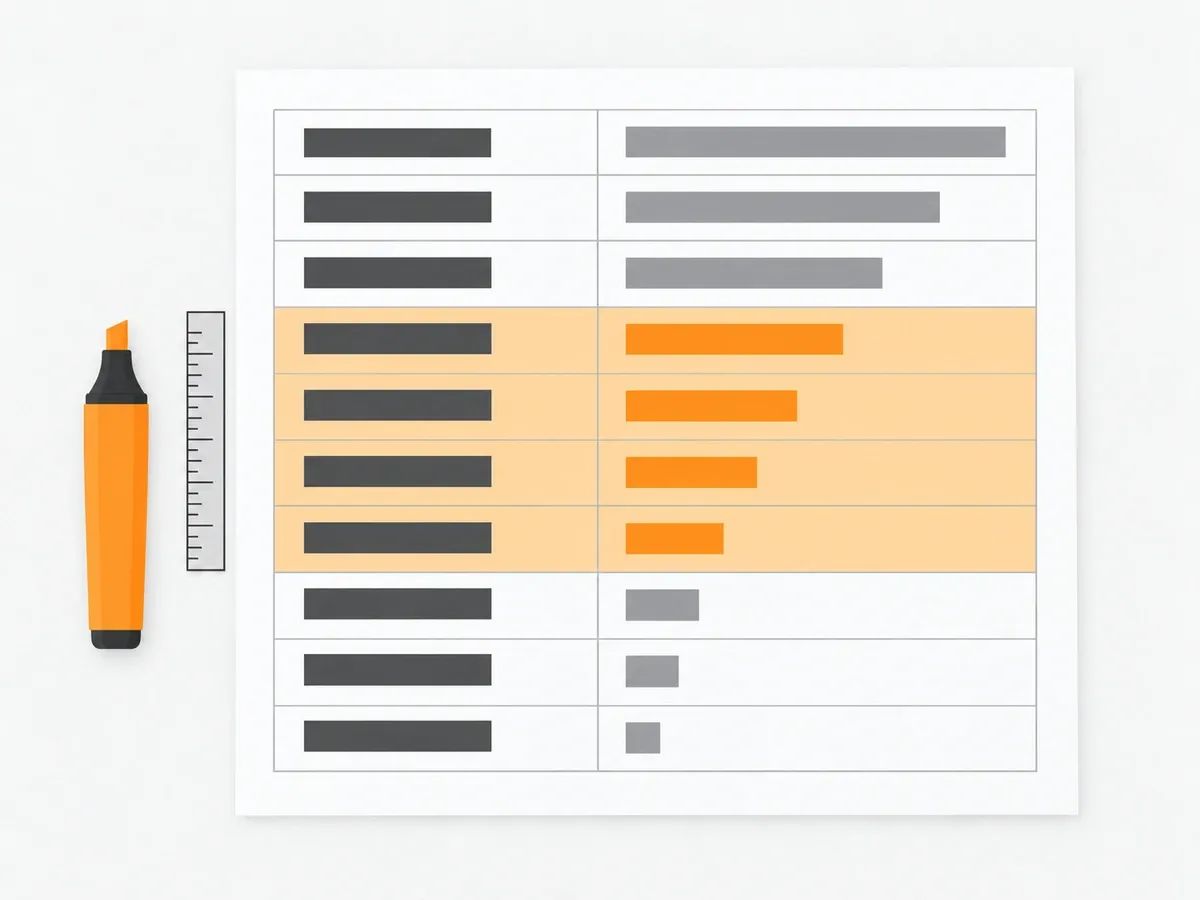
The band is your choice, because sources do not agree on one. Practitioners call these striking distance keywords or low-hanging fruit keywords, and the boundary moves by source. Ahrefs describes its own report this way: "This opportunity is about targeting keywords for which you already rank in positions 4-15, but could rank higher with additional improvements (aka, low hanging fruits)." A Search Console tools site, searchconsoletools.com, works with positions 8 to 20. A third author, writing on swapbiswas.com, notes: "Nobody standardized the boundary."
Pick one band, write it down and use it every time. Then check the list against impressions before you act on it. The same author ran the arithmetic on swapbiswas.com itself: "234 queries averaging 11-20 earned 27,339 impressions and 6 clicks in 16 months" (data from 1 May 2025 to 31 August 2026, one site). That is one small site, so read it as a worked example of the check, not a market figure.
The title and refresh fixes below start from this list.
2. Rewrite the title tags on those pages
Changing a title tag is a small edit, which is why it sits this high on the list. The controlled evidence on title tags comes from SearchPilot, an SEO split-testing tool. It publishes tests in which some pages get the change and matched pages do not. Four results from SearchPilot's title tag tests, each from a single customer's pages:
- In a case study posted on 11 July 2024, removing the word "Compare" from a retailer's product information page titles: "This test resulted in a statistically significant and positive impact to organic traffic, with an estimated 24% increase in organic sessions at 95% confidence."
- In a case study posted on 17 October 2024, adding "best" to the start of an e-commerce site's product listing titles: "This A/B test resulted in a positive impact to organic traffic at the 95% confidence interval, with an estimated 11% increase in organic sessions."
- In a write-up posted on 1 September 2025, adding airport codes to a travel site's flight page titles: "The result was a clear negative, organic traffic to the variant pages dropped by 16 percent at the 95 percent confidence level".
- In the same write-up, appending extra keyword variations to an e-commerce site's product listing titles: "the test was inconclusive".
The case studies do not state how many pages or how many weeks each test covered, so read them as direction, not as a forecast.
A result from a different source shows why the control group matters. Hurrdat, a marketing agency, rewrote the titles of 23 blog posts for a self-storage client and reported: "In one month, the posts within the test group saw a 57.1% increase in clicks and a 63.5% increase in impressions on average. During the test period, a Google algorithm update positively impacted the client’s blog overall, leading to a 38% increase in clicks and a 52% increase in impressions across the entire blog." The fair reading is the margin over the rest of the blog, and it is the reason to keep a group of untouched pages whenever you change titles.
On length, Google's documentation says: "While there's no limit on how long a <title> element can be, the title link is truncated in Google Search results as needed, typically to fit the device width." Put the query's words first and check the result on a phone.
To run your own version, change the titles on a batch of pages from the list in section 1, leave a similar batch alone, and compare clicks for the two groups after a month. If the changed batch gained more clicks than the untouched batch, try the same change on the next batch.
3. Claim the links you are already owed
Some links to your site already exist, or nearly exist, and collecting them is the fastest link building there is, because the other site has already decided to mention or link to you. Four checks turn them up.
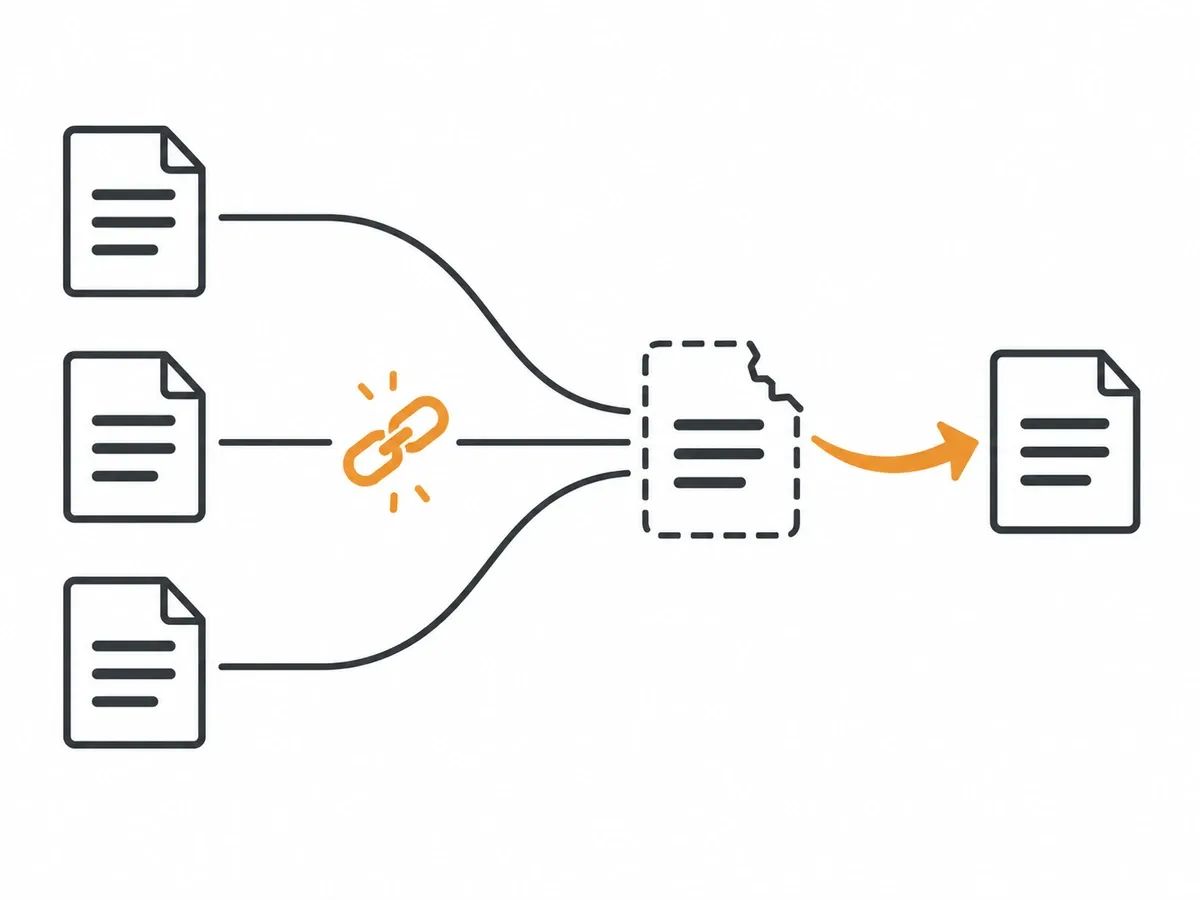
Lost links. A backlink tool lists the links that have stopped pointing at you. Ahrefs' help page gives two of the reasons: "Not found" means "The linking page could not be accessed on our last re‐crawl." and "Link removed" means "the linking page is live, but no longer links to your target." For a removed link, ask the site to put it back. Our guide to link reclamation covers the how-to.
Links pointing at your dead pages. Other sites link to URLs on your site that now return a 404. Ahrefs' help page on its Opportunities report: "By redirecting these 404 pages to relevant live pages, you can reclaim this link equity". This one needs nobody's reply, because a redirect on your own site does it. It is a different job from broken link building, where you offer your page to replace a dead link on someone else's site.
Unlinked brand mentions. Some pages name your brand without linking to you. Ask the author to add the link; the mention is already there, so the ask is a small one. Our guide to brand mentions goes deeper.
A first competitor-gap pass. Ahrefs describes its Link intersect report: "This report shows what referring domains link to some or all competitors, but not your target website." The sites that link to two or three of your competitors are the first ones to approach. Our backlink gap analysis guide covers the pass.
We run the same kind of check on our own work. Before a placement goes out we check the HTTP status code the client's target URL returns, so a link does not go out pointing at a dead page or a redirect chain. After publication we check that the page is live, the link is in the body copy, the anchor and target URL match the order and the page is indexable, and only then is the URL reported to the dashboard. That quality assurance step is the same discipline as the checks above, applied to the links we place.
In our view, a link pointing at a page that does not load is the quickest link to fix, on your site or ours.
4. Refresh the pages that already rank
A page that already ranks has done the hard part, and updating it has a controlled comparison behind it. Raptive, a publisher network, measured what happened when pages across its network were updated. Raptive's analysis of 103,000 content refreshes (page last updated 26 June 2026) states the method: "The analysis compared Google pageviews and average search rank in the 60 days before and after each refresh."
The averages across every refresh: "Across all refreshes, pages averaged a 4.50% increase in Google pageviews and a –0.25 average rank movement, where a negative number indicates improvement."
The controlled comparison: "In the matched-control analysis of 5,500 refreshed and non-refreshed URL pairs, refreshed URLs averaged 28% Google pageview growth. Similar pages that were not refreshed averaged 9% growth. That equals a 19-point lift compared with similar pages that were not updated."
How much you change matters: "Lighter refreshes, with 0–10% word count change, averaged 2% Google pageview growth", while "Meaningful refreshes, with 11–30% word count change, averaged 11% growth".
Raptive's own caveat: "Refreshes do not guarantee traffic growth."
These are averages across one network of publishers. What carries over is the pattern: a word count change of 10% or less did little, a change of 11 to 30% did more, and the window was 60 days.
To do the work, take the pages from the list in section 1, replace what is out of date, add what the pages ranking above you cover and yours does not, and note the date so you can compare 60 days either side.
5. Add internal links from the pages that get read
Internal links need nobody else's permission, and the test results do not all point one way. Two results from SearchPilot, the split-testing tool named above, disagree with each other.
In a write-up posted on 30 May 2024, on one customer's site: "A test involving the addition of links to the nearest geographic regions on a website listing a business’s physical locations with around 8,000 regional pages resulted in a 7% uplift in organic traffic on the pages receiving new links."
In a case study posted on 13 March 2026, a static block of links to a travel site's popular destination pages, tested in two placements: "The link block on other destination listing pages didn’t lead to a noticeable change in organic traffic." and "The second test produced a similar outcome."
A first-hand test on a small site comes from Tony Cooper, founder of webuildstores.co.uk. Cooper ran it on one client's business site of about 66 pages: "Between 22 June and 6 July I added 21 internal links to that site." In the write-up of 21 internal links, Cooper reports: "Clicks on the linked-to pages went from an average of 4.9 a week to 8.1. Over the same weeks, clicks on the untreated pages went from 45.7 to 35.4."
The write-up states its own limits: "The control group is not clean." and "The numbers are small. Three to eleven clicks a week." The comparison is seven weeks before against seven weeks after, and the write-up does not call it proof.
The method is the one to copy. Sort your pages by impressions in Search Console, then link from the pages that already get read to the pages that earn money, in the body copy, with anchor text that describes the target. Add the links in batches and note the dates, the same discipline as the title test, so you can compare the linked-to pages against the pages you left alone. Our guides to internal link building and anchor text cover each part in more depth.
6. Fix internal links that point at redirects and dead pages
While you work on internal links, check the ones you already have. A crawler lists the links that point at redirected or missing URLs. Sitebulb, an SEO crawler, puts it this way: "The issue with redirects is not that they exist in the first place, it is that you have internal links pointing to them, instead of the 'new' destination URL." On broken URLs: "in order to fix them you need to identify all the pages that link to broken URLs, and update or remove the href attributes that reference any broken URLs".
Change the link, not the redirect. Run this pass after any redesign that changed URLs.
Two Google Search Console reports help here. The Page indexing report shows which pages are not indexed and why. URL Inspection shows the state of a single page. For the crawling side of the same job, see our guide to crawl budget.
7. Check structured data, page speed and your Business Profile
Three smaller checks round out the list. Each has a tool fact behind it, and the first has a test.
Structured data. Google's documentation states a format preference: "In general, we recommend using a format that's easiest for you to implement and maintain (in most cases, that's JSON-LD)". SearchPilot reported on 27 June 2024 that adding one more question to the FAQ markup on one customer's pages gave "a 9% uplift in organic traffic", and on 27 September 2024 that switching between formats made no difference it could measure: "we have never detected a measurable SEO traffic impact when changing from one format over the other".
Page speed. The PageSpeed Insights documentation bands its scores: "A score of 90 or above is considered good. 50 to 89 is a score that needs improvement, and below 50 is considered poor." Run your main templates through PageSpeed Insights and fix the ones below 50 first. Templates come before single posts here, because one fix runs across every page that uses the template.
Business Profile. If your business has a physical location, complete your Google Business Profile. Google Business Profile Help states: "Businesses with complete and accurate info are more likely to show up in local search results." Our guides to local SEO and citations cover the work.
How long do SEO quick wins take to show?
The tests on this page that state a window were measured over one month (the Hurrdat titles), seven weeks either side (the 21 internal links) and 60 days either side (the Raptive refreshes).
Plan to read results in Search Console after one to two months. Compare the pages you changed against the pages you left alone, and change one thing per batch of pages so you can tell what moved them. Whatever you change, write down what changed and when, or the later comparison is guesswork.
Frequently asked questions
What are SEO quick wins?
SEO quick wins are changes to pages you already have, and to links you are already owed, that you can measure in Search Console within one to two months. Three examples are rewriting title tags, refreshing pages that already rank, and redirecting dead pages that other sites link to.
What are quick win keywords?
Quick win keywords are queries where one of your pages sits just off page one and already earns impressions. The band differs by source, and Ahrefs uses positions 4 to 15. Pick one band, write it down and use it every time.
Which SEO quick win should I do first?
Build the list of queries just off page one first, because the title and refresh fixes use it. Then rewrite the titles on the pages that rank for those queries, then collect the links you are already owed.
Can you get immediate SEO results?
Not on the same day. The tests that state a window measured their results over one month (title rewrites on 23 blog posts), seven weeks either side (21 internal links on one site) and 60 days either side (Raptive's 103,000 content refreshes). Plan to read results in Search Console after one to two months.
Are backlinks an SEO quick win?
Yes, starting with the ones you are already owed. Redirect dead pages that have links, ask for removed links back, and ask for a link where your brand is named. On our side, we check the target URL's HTTP status before every placement goes out.
related Blog Posts



Join 7,000+ Clients Growing with Rhino Rank
Sign Up


Stay ahead of the SEO curve
Get the latest link building strategies, SEO tips and industry insights delivered straight to your inbox.