
 Back to all posts
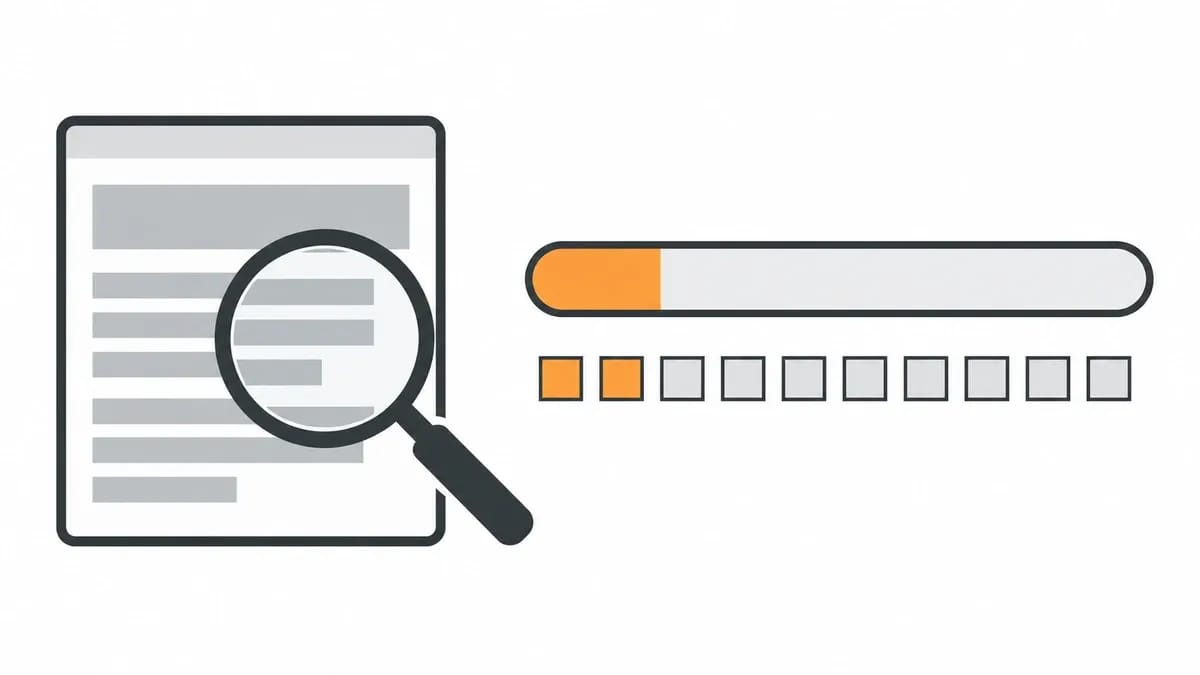
A website spam score is a percentage that Moz, the SEO software company, calculates from 27 signals found on a site. It is Moz's number, shown in Moz's own tools and in free checkers that present it as Moz's number.
This page sets out what the score is, how to check it, the 27 signals behind it, how to reduce it, what other tools publish and how a number like this is read when a site is vetted for a link. An email spam score is a different measure, and it is not covered here.
What is spam score?
Spam Score is a metric made by Moz, and most of what Moz says about it in this section comes from Moz's Spam Score help page, which was last modified on 9 April 2025.
The score is a percentage, and Moz sorts that percentage into three labelled bands:
- "A score of 1%-30% is considered a Low Spam Score."
- "A score of 31%-60% is considered a Medium Spam Score."
- "A score of 61%-100% is considered a High Spam Score."
The score itself is the percentage; the band is the label Moz puts on the range it falls in.
The score belongs to the site itself. Moz's page on investigating the score puts it plainly: "This means that your Spam Score is based entirely on your own site and its features, setup, and content." A site's backlinks are not part of the calculation.
Moz adds a caveat in the glossary line of its Spam Score help page: "This does not mean that the site is spammy."
The score updates on a quarterly cycle. In Moz's words: "Spam Score updates quarterly however this does not mean an individual website’s Spam Score will change with every update. Your Spam Score will only change if our crawlers detect changes which impact 27 signals used to assess a site." There is no way to look back at earlier readings: "No, we do not currently have a way to show historical Spam Score."
Spam Score sits beside Domain Authority in Moz's tools, and our guide to Moz DA explains that number in detail.
How to check your website's spam score
The score appears in two places in Moz's tools: "You can access Spam Score through the Link Explorer tool, and through the Links section of your Moz Pro Campaign."
Link Explorer is the simpler route for a single site, and it needs no paid subscription. Moz's Link Explorer page, read in October 2026, states: "Get 10 queries per month with your free Moz Community account." Spam Score is among the metrics the free account can see.
Checking your own site takes three steps:
- Open Link Explorer.
- Enter your root domain.
- Read the Spam Score beside the other metrics.
If the result shows as two dashes rather than a number, Moz's explanation is that "this indicates we have not evaluated the Spam Score of that site yet." A pair of dashes means missing data, not a verdict on the site.
Free spam score checker pages on other sites present the figure as Moz's number.
Checking spam score in bulk
For a portfolio or a client list, Moz provides two bulk routes: "If you need to pull Spam Score in bulk, you can do so via the Moz Links API or by creating a Link Tracking List and exporting the data to CSV." In the exported file, Spam Score is noted in column D, so a long list of domains can be reviewed in one pass.
The 27 signals behind Moz Spam Score
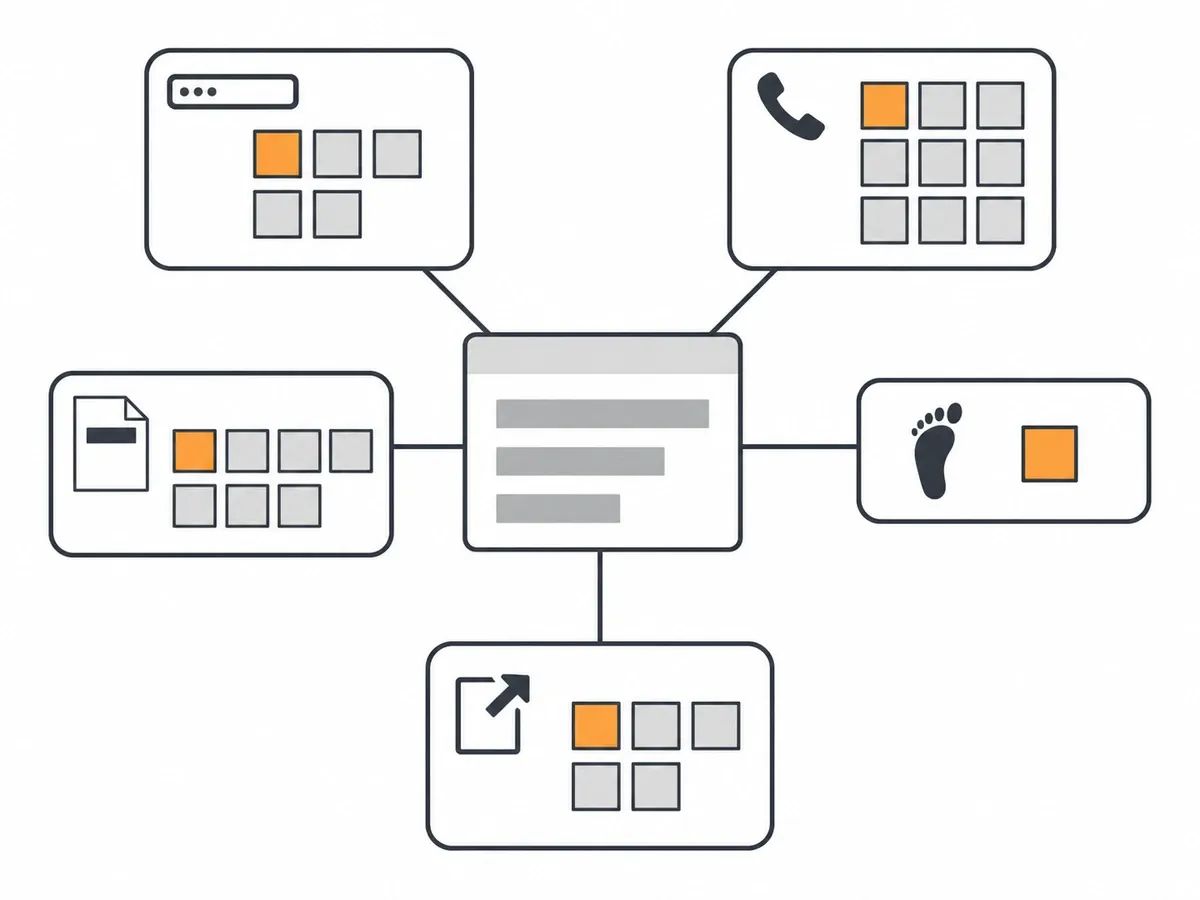
The percentage is built from 27 signals, and Moz lists every one of them on its help page. The list is numbered, but Moz is clear that the order carries no weight: "We have listed these numerically, but this number has no bearing on the importance of each signal."
Here are the 27 signals by name, grouped by where they sit:
- The domain name: TLD correlated with spam domains; domain name length; domain name contains numerals; vowels/consonants in domain name; hyphens in domain name.
- What is present on the site: Google Font API present; Google Tag Manager; Doubleclick present; phone number present; links to LinkedIn; email address present; defaults to HTTPS; browser icon; Facebook Pixel.
- Page elements: low number of pages found; use of meta keywords; length of meta keywords; rel canonical; length of title element; length of meta description; URL length.
- Visits: Visit Rank.
- Outbound links and wording: number of external outlinks; number of domains linked-to; ratio of external links to content; presence of poison words; uses high CPC anchor text.
Every one of the 27 is a feature of the site being scored.
Moz does not show which of the signals a given site has triggered: "Which of the 27 features your site triggered isn't currently available."
What happened to "external links in navigation"?
The phrase comes from the first version of the metric. Moz launched Spam Score on 30 March 2015 as a count of flags: "The overall Spam Score is currently an aggregate of 17 different “flags.”" The data behind that first model was described as: "Data collected in Nov. 2014 for approximately 500K subdomains." "External links in navigation" was the name of one of those 17 flags.
Moz later replaced the flag count with a percentage. Its archived API page explains the change: "Instead of seeing the number of flags (1-18) you'll see a percentage number." The flag is not among today's 27 signals.
How to reduce your website's spam score
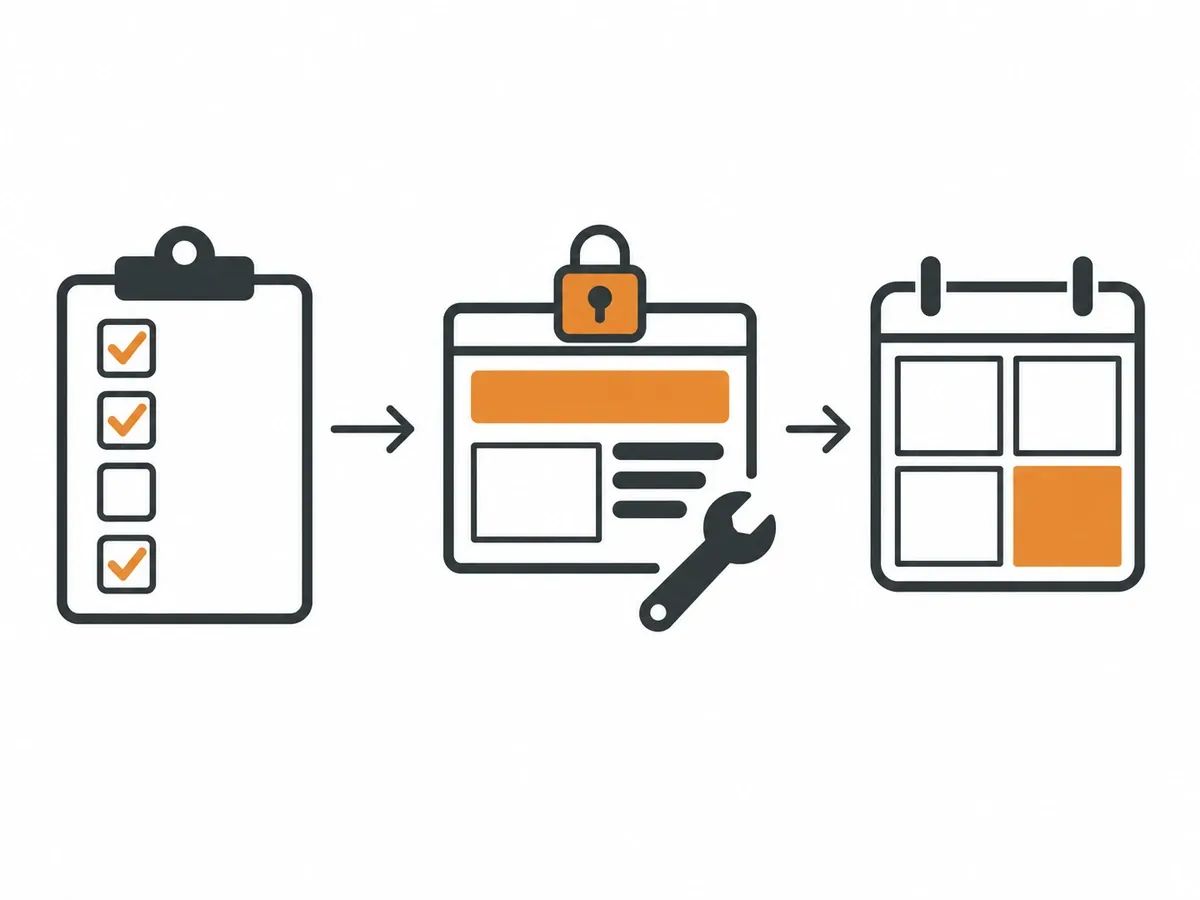
Moz's own route starts with the list, because Moz cannot show you which signals your site has triggered: "We are unable to show you what specific Spam Score signals are being found on your site. The best way to start looking into your Spam Score is to review all 27 signals and evaluate how they show up on your site."
In practice, the review looks like this:
- Go through the 27 signals above and mark the ones that apply to your site.
- Check the page-element signals with a crawler: title length, meta description length, the meta keywords tag, the canonical tag and URL length.
- Check what is present on the site: a phone number, an email address, a favicon, a link to your LinkedIn page and HTTPS by default.
- Change the ones that make sense for your site, then wait for the next quarterly update.
Moz spells out how to check three of the signals with its own tools. On meta keywords: "Moz’s free Chrome Extension, MozBar, allows you to verify the presence of meta keywords on any page of your site." On HTTPS: "If you need to double check that your site defaults to HTTPS, head to a browser window and enter the HTTP version of your root domain. You should then be redirected to the HTTPS version of your site." On title length: "Moz Pro’s Site Crawl will alert you to any titles on your site that are too long or too short so you’re able to review them."
Two parts of the list sit outside this kind of tidy-up. The domain-name signals cannot be changed without changing the domain itself, and nobody should change a domain for the sake of a score. Moz is also explicit that changes are optional: "In many cases, you may opt to not make any changes or you may not be able to implement certain changes to your site based on your business goals, industry, or SEO goals."
Whether to chase the number at all is a fair question. Tom Capper, who heads the Search Science team at Moz, wrote on Moz's blog on 7 June 2022: "We would, therefore, encourage you not to monitor or attempt to optimize your own site’s Spam Score, as this is likely to result in you investing in things which, although correlated, have no causal link with search performance". The practical reading is simple: fix what is worth fixing for its own sake, such as HTTPS and sensible titles, and let the score follow.
Do you need to worry about a high spam score?
Treat it as a prompt, not a verdict. Moz's caveat from the first section of this page applies here in full: the score is not an accusation against the site. Tom Capper of Moz makes the wider point about the metric: "It’s also, like almost all SEO metrics, very frequently misunderstood or misapplied."
A high score tells you that your site shares features with the sites in Moz's model; it cannot tell you which ones. It is a prompt to look at the list. The things that matter to your business, such as organic traffic and enquiries, are measured elsewhere, and those are the numbers worth watching.
Spam score in other tools
Moz is not the only vendor publishing a number in this space, but the numbers are not the same thing.
Ahrefs publishes no equivalent at all. Its help article of 3 September 2026 answers the question directly: "No. We don't have such a score."
Semrush takes a different approach in its Backlink Audit tool. Each link is given a number called a Toxicity Score, on a scale of 0 to 100, and Semrush says: "There are currently 45+ different Toxic Markers that Semrush uses in determining the Toxicity Score for a link." Note what is being measured: Semrush's score is attached to a link, where Moz's is attached to a site.
Majestic publishes quality and influence scores. On how Trust Flow begins: "Majestic collated many trusted seed sites based on a manual review of the web. This process forms the foundation of Majestic Trust Flow." And on its companion metric: "Citation Flow is a score between 0-100 which helps to measure the link equity or “power” the website or link carries."
The four vendors measure different things on different scales, so a figure from one tool cannot be compared with a figure from another. The same is true of the authority metrics, Domain Authority and Domain Rating, which our comparison guide covers side by side.
How a spam score is read when a site is vetted for a link
A spam score can turn up in a link report or a tool export, so here is how one practitioner who vets sites reads it.
Asad Gill, founder of the agency SEO Calling, described his own process on 25 August 2026: "I use Spam Score to decide what I should inspect next." He reads it beside other measures: "I combine Spam Score with editorial relevance, organic visibility, recent post quality, outbound-link patterns, and likely page placement." That is his process, and it treats the score as one input that orders further reading, not as the final word on a site.
When we choose a publication, our quality assurance looks at indexed pages, organic traffic and its trend, Moz DA, Ahrefs DR and referring domains, weighed together, and we take no single number on trust. The DA and DR figures for a site can be checked with our free DA and DR checker.
If you are working through a report on your own site, our guide to what a backlink profile is will help you read the links in it. And if the phrase spam links appears in that report, our guide explains what the label means and how to check the links behind it.
Frequently asked questions
What is a spam score?
A spam score is a percentage calculated by Moz, the SEO software company, from 27 signals found on a site. Moz labels 1% to 30% a Low Spam Score, 31% to 60% a Medium Spam Score and 61% to 100% a High Spam Score. The score belongs to the site itself: Moz says it is based entirely on the site's own features, setup and content.
What is a good spam score?
Moz labels 1% to 30% Low, 31% to 60% Medium and 61% to 100% High, and it gives the labels and no further target. The band is only the label Moz puts on the range a score falls in.
How can I check my spam score?
Open Moz's Link Explorer, enter your root domain and read the Spam Score beside the other metrics. Moz's Link Explorer page, read in October 2026, gives a free Moz Community account 10 queries per month, and Spam Score is among the metrics the free account can see. A result showing two dashes means Moz has not evaluated that site yet.
How can I lower my spam score?
To reduce your spam score, review the 27 signals behind it, mark the ones that apply to your site and change the ones that make sense, then wait for the next quarterly update. Moz says changes are optional. The domain-name signals cannot be changed without changing the domain, so the practical work sits in the page elements and in what is present on the site.
How often does spam score update?
Moz updates Spam Score quarterly. An individual site's score changes only when Moz's crawlers detect changes in the 27 signals, so a quarterly update does not mean every score moves. There is no history view of past scores.
Does Ahrefs have a spam score?
No. Ahrefs answered the question in a help article dated 3 September 2026. Semrush and Majestic publish their own, differently built numbers: Semrush scores individual links in its Backlink Audit tool, and Majestic publishes quality and influence scores.
Do I need to worry if Moz says I have a high spam score?
Moz's own help page cautions that the score is not a verdict on the site, and the head of Moz's Search Science team has advised against monitoring or optimising your own score. Treat a high reading as a prompt to review the 27 signals and change only what is worth changing for its own sake.
related Blog Posts


Join 7,000+ Clients Growing with Rhino Rank
Sign Up



Stay ahead of the SEO curve
Get the latest link building strategies, SEO tips and industry insights delivered straight to your inbox.