
Ahrefs link building reports and what each one shows
Ahrefs maps six jobs to reports: Backlinks, Referring domains and Anchors (your links), Link Intersect (rival linkers), Content Explorer (pages to pitch), Broken backlinks, Best by links (broken pages), Calendar and the New & Lost backlinks alert (new and lost links), Batch Analysis (prospects).

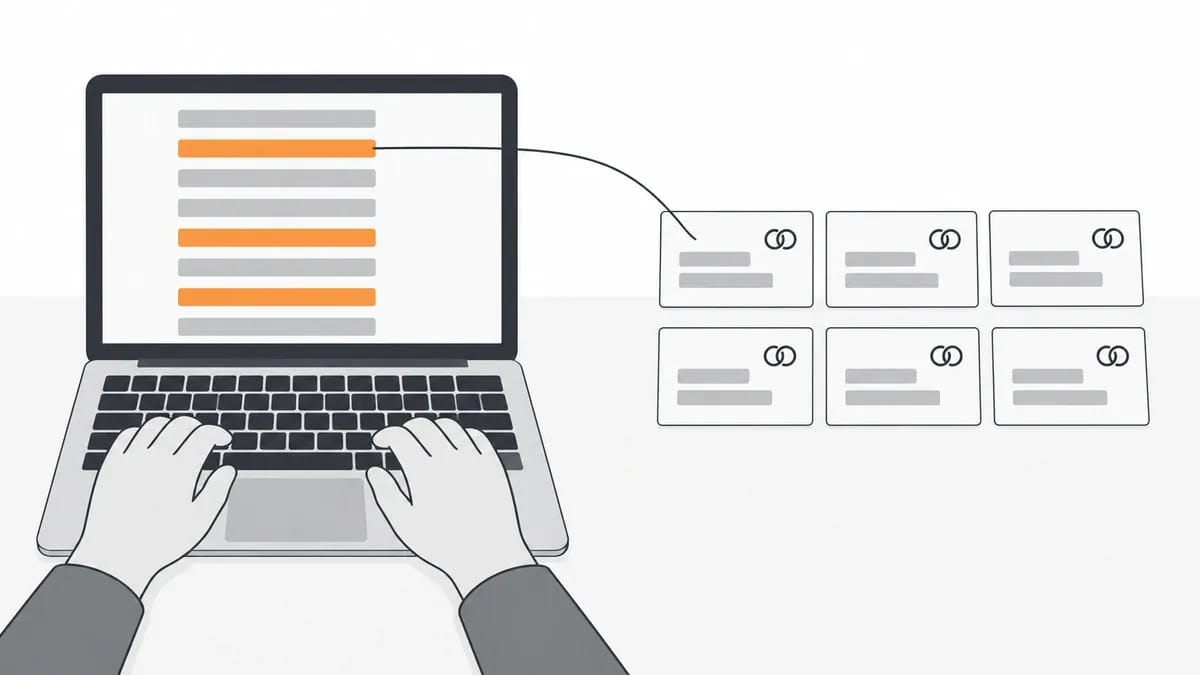
Link building in Ahrefs, the work of finding and checking backlinks, comes down to six jobs, and each job has a report that does it. The six jobs are reading your own links, finding sites that link to competitors and not to you, finding pages to pitch, finding broken pages that have links, watching new and lost links, and checking a list of prospect sites.
Some report names have changed. Ahrefs Webmaster Tools is now Ahrefs Free, and the three alerts carry new names. This page uses the names given in Ahrefs' Help Center articles dated 3 September 2026 and on Ahrefs' product pages, which print no date and were read on 4 October 2026. The table below maps each job to its report and to where Ahrefs puts that report.
Job | Report | Where Ahrefs puts it |
|---|---|---|
Read your own links | Backlinks, Referring domains, Anchors | Site Explorer |
Find sites that link to competitors and not to you | Link Intersect | Under Competitive Analysis in the top navbar |
Find pages to pitch | Content Explorer | Listed on the pricing page from the Standard plan |
Find broken pages that have links | Broken backlinks; Best by links | Site Explorer |
Watch new and lost links | Calendar; New & Lost backlinks alert | Site Explorer; Alerts |
Check many prospect sites at once | Batch Analysis | Standard plan or higher |
The two Ahrefs scores: Domain Rating and URL Rating
Ahrefs gives two link scores: Domain Rating (DR) for a whole website and URL Rating (UR) for a single page.
DR is the domain-level score. Ahrefs' Help Center article of 3 September 2026 defines it: "Domain Rating (DR) shows the strength of a website's backlink profile compared to the others in our database on a 100-point scale."
The same article describes how the score is built: "The source domain splits its rating equally amongst the domains it links to." The computed value is then scaled into the final DR, a score from 0 to 100.
UR is the page-level score. Ahrefs' Help Center article on UR, also dated 3 September 2026, defines it: "URL Rating (UR) shows the strength of a page's link profile on a 100-point scale."
That article also names the catch a reader meets in Site Explorer: "UR is a page-level metric, whereas DR is a domain-level metric. So if you put a website into Ahrefs’ Site Explorer and check its UR, the number you get will be for the homepage alone." So a UR check on a whole domain reads the homepage, not the site.
On what counts as a good DR, Ahrefs' answer is that the score is relative. Ahrefs says: "It’s not possible to say that a Domain Rating of 30 is good, or 50, or 60, or 70. It’s all relative."
Its rule of thumb compares a site with its peers: "A general rule of thumb is that your Domain Rating (authority) is good if it’s higher than or comparable to similar sites." The useful question is not whether a number is high, but how it sits next to similar sites.
DR is not Moz's Domain Authority. The two scores come from different companies and different indexes.
Ahrefs makes the distinction on its free checker page, which is undated and was read on 4 October 2026. The page says: "Some people call this “domain authority,” which is not to be confused with the Domain Authority (DA) metric from Moz."
Our guide to Domain Authority and Domain Rating sets the two scores side by side.
Read your own backlink profile
Three reports in Ahrefs' Site Explorer describe who links to your site: Backlinks, Referring domains and Anchors. Together they are the read of your backlink profile. If you're sizing up a site's links for the first time, start here. You'll learn more from these three in ten minutes than from any single score.
The Backlinks report lists the linking pages themselves. Ahrefs' Backlink Checker page, undated and read on 4 October 2026, describes it: "See every page linking to your target in the detailed Backlinks report." That's the report for checking one link you already know about.
Referring domains are the sites behind those links. The Help Center article of 3 September 2026 defines them: "Referring domains are domains from which the target website or web page has one or more backlinks." To see them, the same article says to enter a website, page or subfolder in Ahrefs Site Explorer and open the Referring domains report.
The third report, Anchors, lists the anchor texts of the backlinks pointing at the target.
Referring domains are worth reading before the raw backlink count, because many backlinks from one site still count as one referring domain. Ahrefs' own study by Tim Soulo, published 1 December 2023, took "the entire database from our Content Explorer tool (around 14 billion pages)" and measured search traffic against referring domains. One finding: "Our index contains ~20 million pages with no referring domains, yet only 2,997 of them get more than 1K search visits per month." Another: "96.55% of all pages in our index get zero traffic from Google, and 1.94% get between one and ten monthly visits."
These are figures for Ahrefs' own index, and the traffic numbers are Ahrefs' estimates. They describe that sample. No page is owed those odds, and the percentages aren't a target to aim at. Even so, a sample that size carries weight with us, and we wouldn't bin it just because Ahrefs ran it.
Find sites that link to competitors and not to you
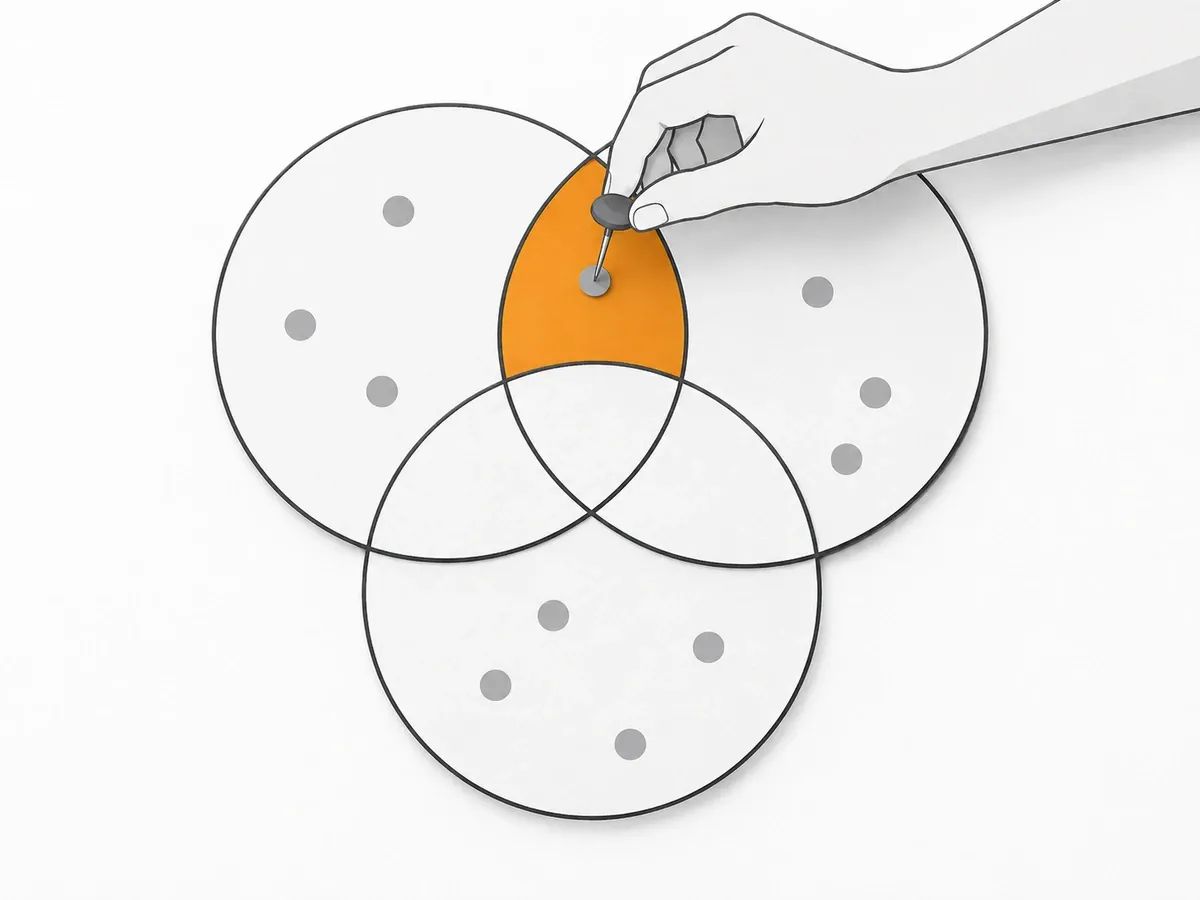
The tool for this job is Link Intersect. Ahrefs' product page for it, undated and read on 4 October 2026, states the purpose: "Find the sites linking to your competitors but not to you." That's a fair pitch. A site that already links to a rival has shown it links out on your topic.
The Help Center article of 3 September 2026 describes the tool's availability. "Link Intersect is a tool that is available on all subscription plans, and is an improved version of the legacy Link Intersect tool." The same article places Link Intersect as one of the tools under Competitive Analysis in the top navbar, and it allows up to 10 competitors in one comparison. Ten is more than we'd ever load in one go. We'd run the three or four rivals that matter and keep the list tight, because every weak competitor you add muddies what comes out.
Ahrefs' own pages differ on where the tool sits. The pricing page, read on 4 October 2026, lists Competitive Analysis from the Lite plan.
The Help Center's Starter plan article, dated 3 September 2026, does not list Competitive Analysis or Link Intersect among Starter's tools.
We can't square those two from here, and we wouldn't try. When a vendor's pages disagree, we'd go with the stricter reading and check before paying for a plan just to get one tool. It's a small thing, but it's the sort of small thing that wastes an afternoon.
To pick the competitors, Ahrefs' link prospecting article, updated 17 February 2025, points to the Organic competitors report in Site Explorer. Our guide to checking a competitor's backlinks covers the read on each rival domain. We'd back that order. The report picks the sites that rank where you want to rank, and those aren't always the firms you'd name as rivals in a meeting. Search competitors and business competitors overlap less than people think, and for link prospects the search list is the useful one.
The export from Link Intersect is a list of sites, not a list of placements. Every domain in it already links to one or more of the competitors entered. That tells you the site links out on your topic. It doesn't tell you the site will link to you, or that the link it gave a rival is any good. Most of an intersect list gets crossed off once you start looking at it, and that's normal. The next job is checking each site, and the Batch Analysis section below covers that step.
Find pages to pitch with Content Explorer
Content Explorer is Ahrefs' search tool for web pages, and it is the tool for finding pages to pitch. Its product page, undated and read on 4 October 2026, says: "Find content ideas and link prospects in our database of 22 billion web pages." The same page describes the unlinked mention search: "Search for websites that mention your brand but aren't linking to you."
Content Explorer has two modes, All pages and News. The Help Center article of 3 September 2026 explains the difference: "The main difference between them is that All pages is based on our database of billions of web pages, while News is based on pre-approved news domains."
Ahrefs' pricing page, read on 4 October 2026, lists Content Explorer from the Standard plan.
Antonio Gabrić, Outreach Manager at Hunter, describes how he uses the tool in Hunter's outreach guide, updated 2 April 2026. He says: "Ahrefs is my primary prospecting tool because of its filtering capabilities. Content Explorer lets you search for pages covering specific topics and then filter by organic traffic, Domain Rating, language, publication date, and more."
In the same guide, Gabrić reports what that prospecting returned: "1.3% Prospect-to-Backlink conversion rate (for every 1,000 prospects emailed, ~13 links are secured)." That is his figure for his campaigns.
James Norquay, founder of Prosperity Media, is quoted in a round-up of link builders' tactics that Ahrefs published on 30 September 2024. On giveaway campaigns, he said: "From some campaigns, I've seen over 291 referring domains secured from media sites." That is his own count.
A list of pages to pitch can include guest post targets. Our guide to finding guest post opportunities covers that route. Guest post targets are a different ask, though. Pitching a link into an existing page is one job. Asking a site to publish a whole article is another, and plenty of sites that surface in a page search don't take outside articles at all. No email fixes that. So before a guest post target goes on our list, we look for signs the site actually runs contributed pieces, a contributors page or recent posts from outside authors. Skip that check and a good chunk of the list bounces.
Find broken pages that have links
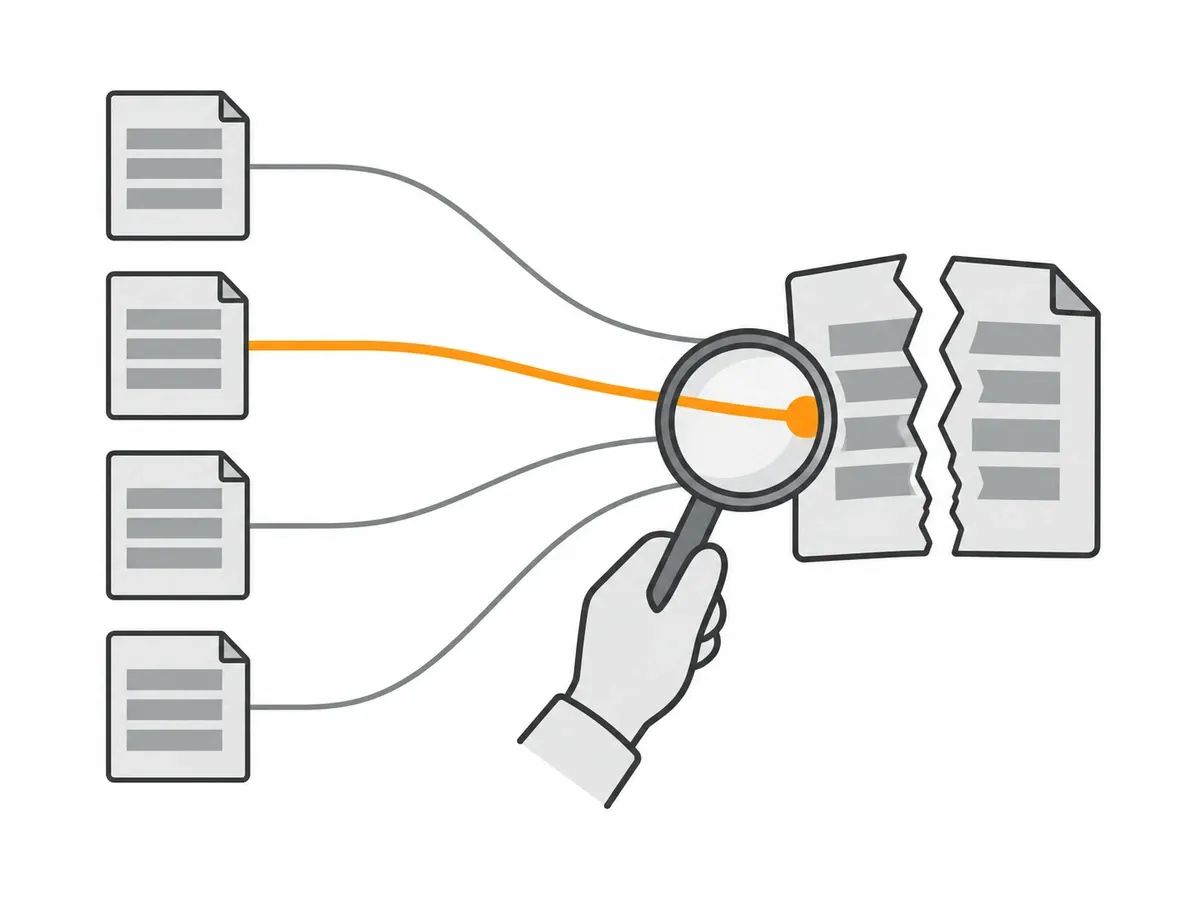
Two reports in Ahrefs' Site Explorer find broken pages that carry links: Broken backlinks and Best by links.
The Help Center article of 3 September 2026 defines the term: "A broken backlink is an incoming link pointing to an “error 404” page of a target website." It then describes the report: "Within Ahrefs Site Explorer, we have a Broken backlinks report under the Backlinks profile section. It shows all the referring pages that link to 404 pages of a target website along with their anchor and surrounding texts."
The same article gives a second route. It says, "Another way to check for pages that are linking to 404 pages of the target website is the Best by links report, under the Pages section. Just apply the “HTTP code: 404 not found” filter."
It also extends the method to other sites. It says, "In the same way, you can find your competitors’ broken pages that have lots of backlinks and use it for your broken link building strategy."
Ahrefs' pricing page, read on 4 October 2026, lists Broken backlinks under the Standard plan.
Best by links is in the free account's Site Explorer for verified websites, and Ahrefs lists a free Broken Link Checker among its free SEO tools. Our guide to broken link building covers the outreach side of the job.
Watch new and lost links
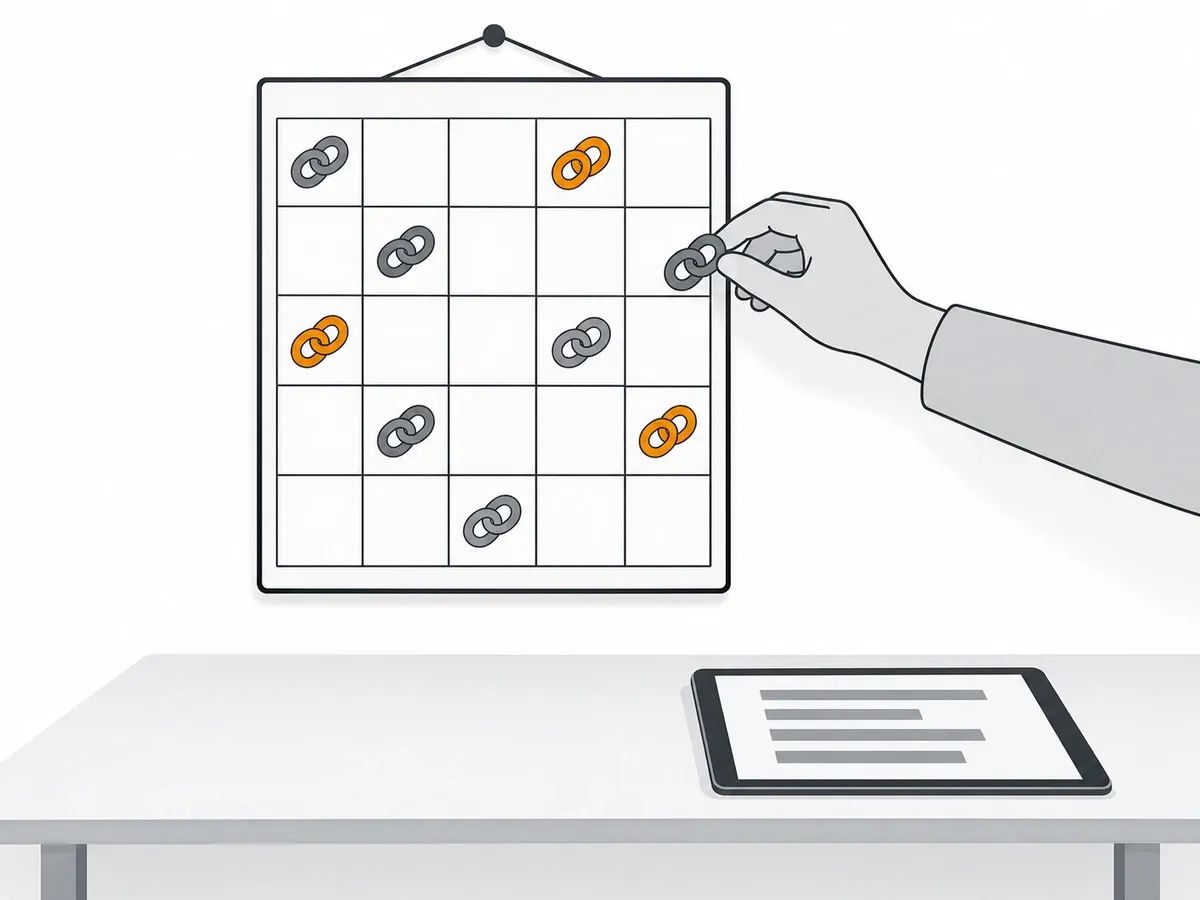
Two Ahrefs features watch new and lost links: the Calendar report in Site Explorer and the New & Lost backlinks alert. Calendar is a report you open; an alert is an email that comes to you.
The Help Center article of 3 September 2026 gives the path as Site Explorer > Calendar report. The report shows daily changes. It covers four metrics: organic keyword positions, organic pages, referring domains and backlinks. On the link view, the same article says: "The Backlinks report allows you to track new and lost backlinks on a daily basis."
The article places the full Calendar report on the Standard plan onwards. A limited version sits on Lite.
The Alerts product page, undated and read on 4 October 2026, says: "Get notified of new & lost backlinks, web mentions and keywords rankings." The three alerts are named New & Lost backlinks alert, Web Mentions alert and New Keywords alert. The Help Center's article on mentions emails gives one path: "Click on More and select Alerts". Mentions emails can be daily or weekly.
The Help Center articles of 3 September 2026 add two reading notes. A new link takes time to appear: "So the short answer is that it can take a few days up to some weeks before we crawl your new backlink." And a link marked dropped means: "Dropped are links from pages that were removed from our index due to various reasons."
Our guide to link velocity covers what the new and lost charts show over time.
Check a list of prospect sites
Batch Analysis is the Ahrefs tool for checking many prospect sites at once. The job starts from a list, such as the export from Link Intersect or a set of pages found in Content Explorer.
We'd run any list like this through a batch metrics table before opening a single site on it. The order matters. Check sites one at a time and you start liking some of them, and once you like a site you start excusing its numbers. A batch table puts the same metrics in front of you while you've still got no favourites, so the weak ones come off the list before anyone's spent real time on them. The sites left after that get the slow read, one at a time.
The tool pulls Ahrefs' metrics for the whole list in one run. Its product page, undated and read on 4 October 2026, says: "Pull Ahrefs’ SEO metrics for up to 1000 URLs." The Help Center article of 3 September 2026 sets the plan gate: "The batch analysis tool is available for new plans, Standard or higher only."
The same article's table gives the per-plan targets:
- 200 on Standard
- 500 on Advanced
- 1000 on Enterprise
For each target, the report returns Ahrefs' ratings, referring domains, backlinks, outgoing links and organic search figures.
A table of ratings is a starting point. Ahrefs' own Help Center article on Domain Rating lists questions to ask about a site next to its score. Two of them: "Is this website likely to still be around in six months? A year? Five years?" And: "Does it get any organic traffic? Is this website topically-relevant to yours?"
These are Ahrefs' questions, not a threshold of ours.
What the free Ahrefs account includes
The free account is called Ahrefs Free, the new name for Ahrefs Webmaster Tools.
The Help Center article of 3 September 2026 lists six tools on a free account:
- Site Explorer
- Site Audit
- Web Analytics
- Social Media Manager
- AI Content Helper
- SEO Toolbar
Site Explorer and Site Audit work on websites you verify. The Ahrefs Free page, undated and read on 4 October 2026, adds: "You can use Ahrefs Free on an unlimited number of verified websites."
On the backlink limit, the same page says the free account shows up to 1000 backlinks at once. Site Explorer on the free account lists Backlinks, Referring domains, Anchors and Best by links among its reports.
Ahrefs' free SEO tools also include Website Authority Checker, Backlink Checker and Broken Link Checker, each on its own page.
For paid plans, the Help Center's Starter article of 3 September 2026 prints Starter ($29) and Lite ($129). Ahrefs' pricing page in US dollars, read on 4 October 2026, shows both as monthly prices.
The plan comparison sits in our guide: Ahrefs vs Majestic.
How we read Domain Rating on an order
We compare Ahrefs Domain Rating with Moz Domain Authority when we vet a site. On Guest Posts, each site is measured with Moz Domain Authority and cross-checked against Ahrefs Domain Rating and live traffic. DA sets the tier, and DR and traffic are read beside it.
Curated Links are tiered by referring domains. Our free DA and DR checker shows both scores for any domain.
Our own sample from that checker is dated July 2026. It covers 29,632 checks run since the tool launched in February 2026, across 15,357 unique domains. DR was above DA on 42.1% of them.
Domain Authority is Moz's metric and Domain Rating is Ahrefs' equivalent. Both score a site's link profile on a 100-point scale, but they use different indexes, so the numbers rarely match. No single score decides a placement on its own; see how we measure link authority.
Frequently asked questions
How do you use Ahrefs for link building?
Link building in Ahrefs comes down to six jobs, each with a report. Backlinks, Referring domains and Anchors read your own links. Link Intersect finds sites that link to competitors and not to you. Content Explorer finds pages to pitch. Broken backlinks and Best by links find broken pages with links. Calendar and the New & Lost backlinks alert watch new and lost links. Batch Analysis checks a list of prospect sites.
Can you use Ahrefs for free?
Yes. The free account is called Ahrefs Free, and it includes six tools. Site Explorer and Site Audit work on websites you verify, and Site Explorer on the free account shows up to 1000 backlinks at once. Ahrefs' free SEO tools also include Website Authority Checker, Backlink Checker and Broken Link Checker.
What is a good Domain Rating in Ahrefs?
Ahrefs' own answer is that Domain Rating is a relative metric, so no fixed number counts as good. Ahrefs' rule of thumb is that a Domain Rating is good if it is higher than or comparable to similar sites. We set no number of our own.
Is Domain Rating the same as domain authority?
No. Domain Rating is Ahrefs' score for the strength of a website's backlink profile on a 100-point scale. Domain Authority is a separate metric from Moz. The two are worked out from different indexes, so the numbers for the same site rarely match.
How do you increase Domain Rating in Ahrefs?
In Ahrefs' calculation, a site's Domain Rating can increase when more unique domains link to it. The calculation splits a source domain's rating equally amongst the domains it links to. The score depends on how many unique domains link to you, how strong their own ratings are and how many other sites each of them links to.
How long does Ahrefs take to show a new backlink?
Ahrefs' own answer is that it can take a few days up to some weeks before Ahrefs crawls a new backlink. Until the crawl reaches the linking page, the link does not appear in the Backlinks report or in the Calendar report.


Stay ahead of the SEO curve
Get the latest link building strategies, SEO tips and industry insights delivered straight to your inbox.