
 Back to all posts
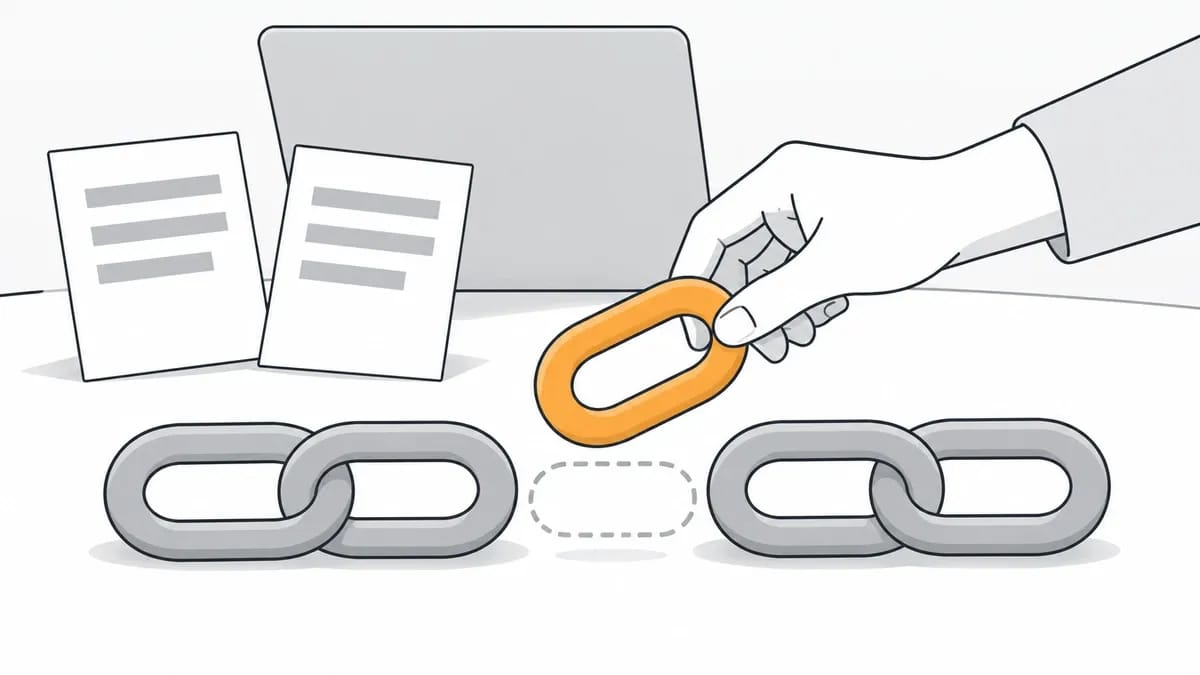
Link reclamation is getting back a backlink you had and lost. The work is three steps: find the lost links in the tool you use (in Ahrefs: Site Explorer, Backlinks, Lost), sort them by the reason the tool gives, and act on each reason. The action is sometimes an email to the site owner, sometimes a redirect on your own site, and sometimes nothing at all.
This page shows how to find lost backlinks in Ahrefs and in the other link reclamation tools (Semrush, Majestic, Moz and Google Search Console), what each lost reason means in the tool's own words, and what to do about each one. It also covers how often links disappear in dated measurements, one recovery account with counts, and what we do when a link we placed is lost. If you want to regain lost backlinks rather than earn new ones, this is the order of work.
What link reclamation is, and what it is not
Ahrefs' own guide to link reclamation (Joshua Hardwick, 31 July 2024) puts the definition in one line: "Link reclamation is the process of reclaiming lost links. You had a link. You lost it. You want it back."
Two jobs sit next to link reclamation and get confused with it. Broken link building finds dead links on other people's sites and offers your page as the replacement; that is prospecting for a link you never had, and it is covered in broken link building. Fixing broken links inside your own site, where you control both ends of the link, is covered in internal link building.
The tools also draw a line between lost and broken. A lost backlink is one the tool counted before and no longer counts after its last crawl; the link may still be there, so the first place to look is the linking page. A broken backlink, in Ahrefs' help page wording, is an incoming link that points to a page on your site returning a 404; the cause sits with your own site.
How to find lost backlinks in Ahrefs
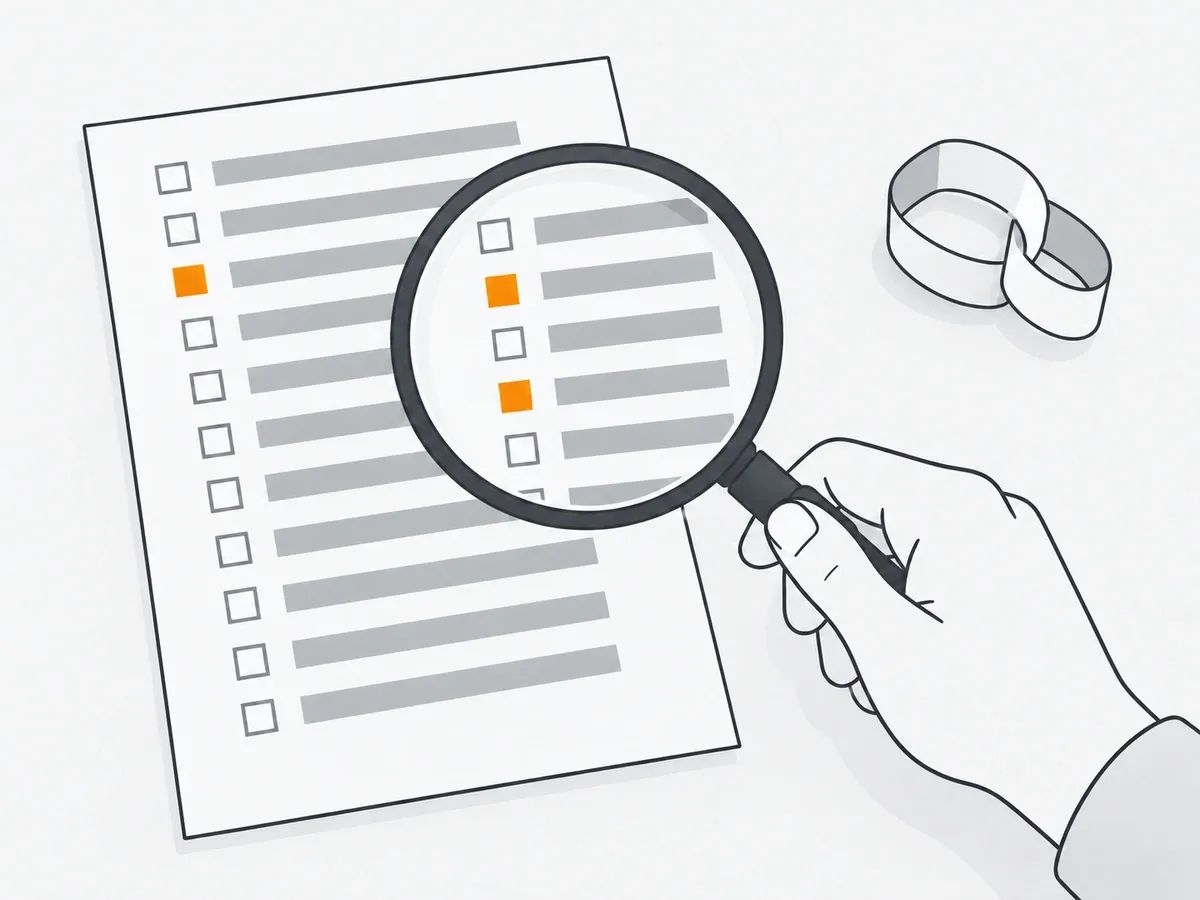
In Ahrefs, the Lost backlinks report inside Site Explorer is the list to work from. Open Site Explorer, enter your domain, go to Backlinks and choose Lost. Ahrefs' guide of 31 July 2024 describes what you get: "Here you will see all the backlinks you've lost during the past 30 days."
Each lost link in the Ahrefs report carries a reason tag. Ahrefs' help page on lost reasons, dated 3 September 2026, says: "You can use the Status filter to filter for lost links of specific reasons:" The eight reason tags are Link removed, Not found, 301/302 redirect, Noindex, Not canonical anymore, Crawl errors, Dropped and Broken redirect.
Older write-ups name Ahrefs reports that no longer exist. Ahrefs' help page on the Calendar report, dated 3 September 2026, says: "Calendar report is the replacement of the New/Loss and Movements legacy reports we used to have." The Calendar tracks new and lost backlinks on a daily basis; the full report is available from the Standard plan onwards, and Lite plans have a limited version.
For links that point at a 404 on your own site, open the Broken backlinks report in the Backlinks profile section; it lists the referring pages that link to 404 pages of your site, with their anchors and surrounding text. Ahrefs' Alerts page (read October 2026) can email you new and lost backlinks as they are found. The report for each other Ahrefs job is in how to use Ahrefs for link building.
Finding lost backlinks in Semrush, Majestic, Moz and Search Console
Semrush, Majestic and Moz each keep a lost-links list, and Google Search Console keeps a link list with no lost flag at all.
In Semrush, open the Backlinks report. Semrush's manual for the report (read October 2026) describes a Link Status column with three values: Active, New and Lost. A time period selector for new and lost backlinks shows what was acquired or lost in the window you choose. Set Link Status to Lost and the Semrush report becomes the working list.
In Majestic, Lost sits under Backlinks in Site Explorer. Majestic's own page for the feature (read October 2026) defines the list in one sentence: "Lost Backlinks are the ones that have recently stopped pointing to your site."
Moz Link Explorer offers two routes: head to Inbound Links and filter by Link State, or open the Discovered and Lost section and set Display to Lost. Moz's help page on lost links, updated 13 December 2024, adds a caution: "When a link is marked as lost, this means our crawler attempted to recrawl that link and wasn't able to. It doesn't necessarily mean the link has been removed." Each tool words "lost" its own way, which is why the first action for any lost link is to open the page yourself.
Google Search Console's Links report (help page read October 2026) shows a sample of the external links to your site, with tables for top linked pages, top linking sites and top linking text. The Links report does not mark any link as lost, and its help page says: "These links may have since been removed, or a page may no longer exist." So Search Console's Links report is a list to check against, not a lost-links report. For watching new and lost links over time rather than chasing one loss, see link velocity.
Why a backlink is lost, and what to do about each reason
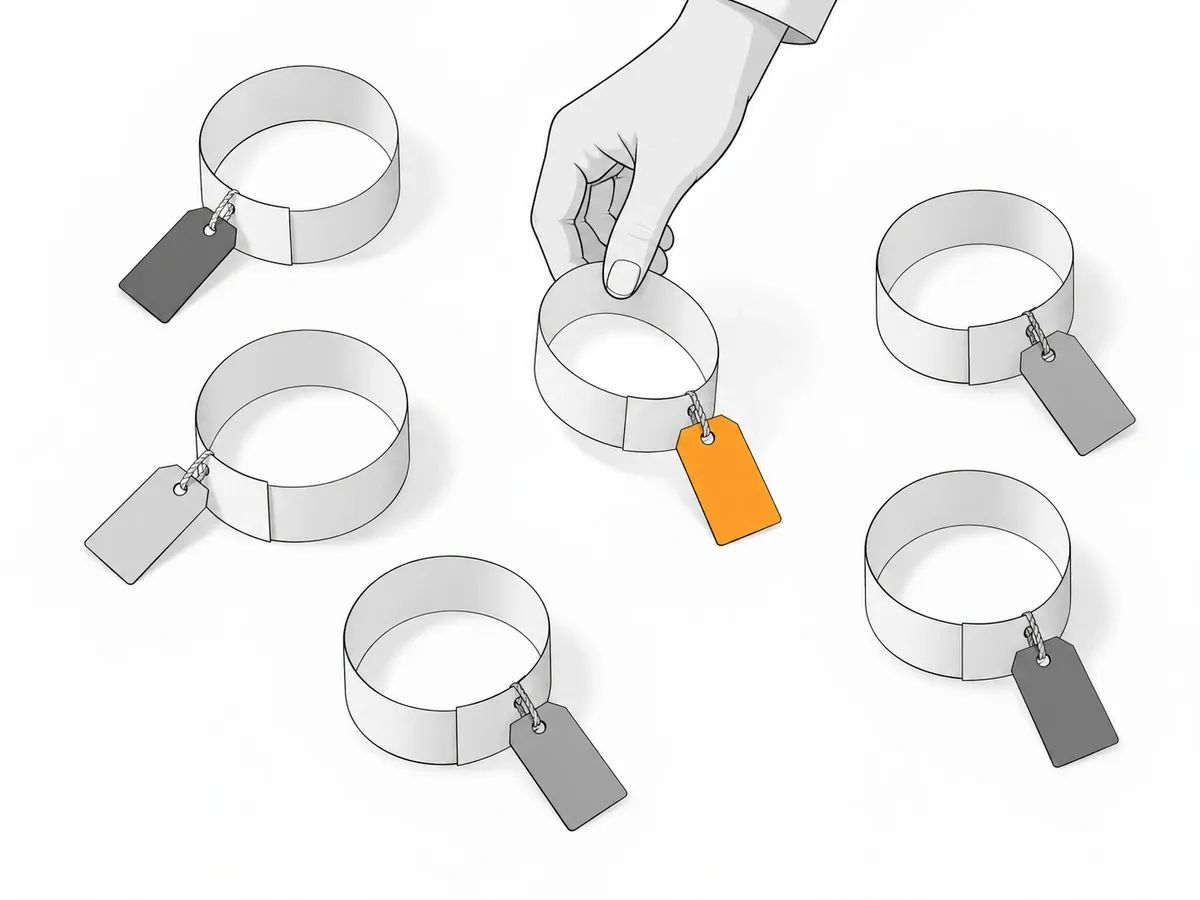
The reasons below are Ahrefs' own tags, from its help page dated 3 September 2026, put into plain words; the actions are what the help pages and Ahrefs' guide document, or the plain next step where they give none. Nine rows follow: the eight Ahrefs tags, plus the case where the problem is a page on your own site.
Ahrefs' lost reason tags in plain words, with the action for each.
Reason tag | What it means | What to do |
|---|---|---|
Link removed | The linking page is live but no longer links to you | Open the page, see what changed, and write to the owner |
Not found | The linking page could not be reached on the last crawl | Check the page and an archive copy; ask the owner if the page was removed by mistake |
301/302 redirect | The linking page now redirects elsewhere | Open the destination page and check whether it still links to you |
Noindex | The linking page is now set to noindex, so the tool no longer counts the link | Check whether the noindex looks deliberate; mention it to the owner if not |
Not canonical anymore | The linking page now names another URL as its canonical version | Open the canonical page and check whether it links to you |
Crawl errors | The linking page returned a status other than 200 on the last crawl | Wait: if the page is live on the next crawl the link reappears in the report |
Dropped | The tool no longer indexes the linking page, though the link may still be there | Open the page; nothing to ask for if the link is still on it |
Broken redirect | The link runs through a redirect that could not be followed to your page | Fix the redirect if it is yours; otherwise send the owner a working URL |
Your page returns 404 | The link points at a page on your own site that no longer exists | Restore the page, or redirect it to the closest live page |
One large sample shows how the reasons are shared out. Ahrefs' link-rot study (Patrick Stox; updated 2 February 2024) looked at links pointing to 2,062,173 sampled websites in the Ahrefs index from January 2013 onwards: "Since January 2013, 66.5% of the links pointing to the 2,062,173 websites we sampled have rotted." Among the lost links in that sample, Ahrefs tagged 47.7% as Dropped and 34.2% as Link removed. The sample is links to sites inside one tool's index, so the figures describe that index rather than the whole web.
One site's own count records what the linking page was doing when each link went. Bill Hartzer, CEO of Hartzer Consulting, wrote on 3 August 2026 about a Majestic export of 1,301,839 links to his own domain, of which 645,202 were flagged lost. His finding: "97.4% of my lost links were lost while their source page was still perfectly reachable." And on 404s: only four of the 645,202 were lost to a 404. That is one site's export, not an industry rate.
What that means for the work: when the linking page still loads, the first action is to open it and the second is an email. For the Link removed row, Ahrefs' Page inspect view shows what changed on the page between two crawl dates, so you can see whether the whole article was rewritten or only your link was taken out before you write. Only two cases are fixed on your own site: the last row of the table, where your page returns a 404, and a broken redirect you control. For the 404 case, Ahrefs' help page on broken backlinks (3 September 2026) advises you to "restore those broken pages, or use redirects to other relevant pages of your website." Google Search Console's help page on the Page indexing report (read October 2026) says: "If a page has been moved, you should return a 3XX redirect to the new page." What each status code means is set out in HTTP status codes and their meanings.
How often links disappear
Two dated measurements give the rates for their own datasets.
Linkody, which makes a backlink monitoring tool, measured the links its own tool tracks. Linkody's link rot study, published 4 October 2022 and updated 21 March 2024, reports: "About 8.03% of all links break within the first 3 months, and a significant 44% of links are gone after 7 years." The most frequent reason for loss in Linkody's data was the removal of links from content, at 50.2% of cases.
Pages themselves go too, which is the Not found row in the table. The Internet Archive re-read Pew Research Center's 2024 study of web pages, and the Internet Archive's re-analysis of 23 April 2026 reports: "A Pew Research Center study found that 38% of webpages from a decade ago, and about 25% of pages sampled across the decade, are now inaccessible; our analysis shows that the Wayback Machine has rescued roughly 15% of those otherwise dead pages." So when a linking page has gone, check the Wayback Machine for a copy of what the page said and where it linked before you write to its owner. Each of these figures is its own dataset measured its own way: Ahrefs counted links to sampled sites in its index, Linkody counted the links its tool tracks, and Pew sampled pages, so no two of these shares should be combined.
Asking for a removed link back
To reclaim a lost backlink tagged Link removed, or one that broke when your own page moved, send the site owner a short, specific email.
The email names the page that used to link to you, the page it linked to, and the live URL you want linked now, and it asks for one change. If your page moved, send the new URL. If the article was rewritten, say where the link fitted before, so the owner can see the gap rather than hunt for it. Send the request once, then follow up on a spacing like the one in the account below rather than day after day.
Dharti Joshi of Mavlers, a digital agency, wrote on 4 December 2025 about a client that lost 41 backlinks when its own articles were renamed, moved, merged or redirected without the links being carried over, and reported: "we recovered 36 of the 41 links within nine days." Mavlers' standard follow-up cadence is an email on day 0, a short nudge on day 4, an alternative offer on day 9 and a final note on day 14. That is one agency's account of one client, not a rate to expect from your own outreach.
Keep a sheet of each lost link, its reason tag, the date you wrote and the reply, so the same site is never written to twice and a second nudge does not land after a yes. The full audit of a backlink profile, lost links included, is in link audit.
Unlinked mentions and image uses
A page that names your brand or uses your image without a link is not a lost link, but the ask is the same email. An unlinked mention never appears in a lost report, because the link never existed; the find work is different. For mentions, see the importance of brand mentions.
For images, Google's "Search by image" (Google Lens; help page read October 2026) takes an uploaded file or a pasted image URL and returns pages that use the image. TinEye (FAQ read October 2026) matches an image by image recognition rather than keywords, metadata or watermarks, and finds exact matches including copies that have been cropped, edited or resized. Either tool turns up sites using your image; for those without a link, the request is the same as for a removed link: name the page, name your page, ask for the credit.
What we do when a link we placed is lost
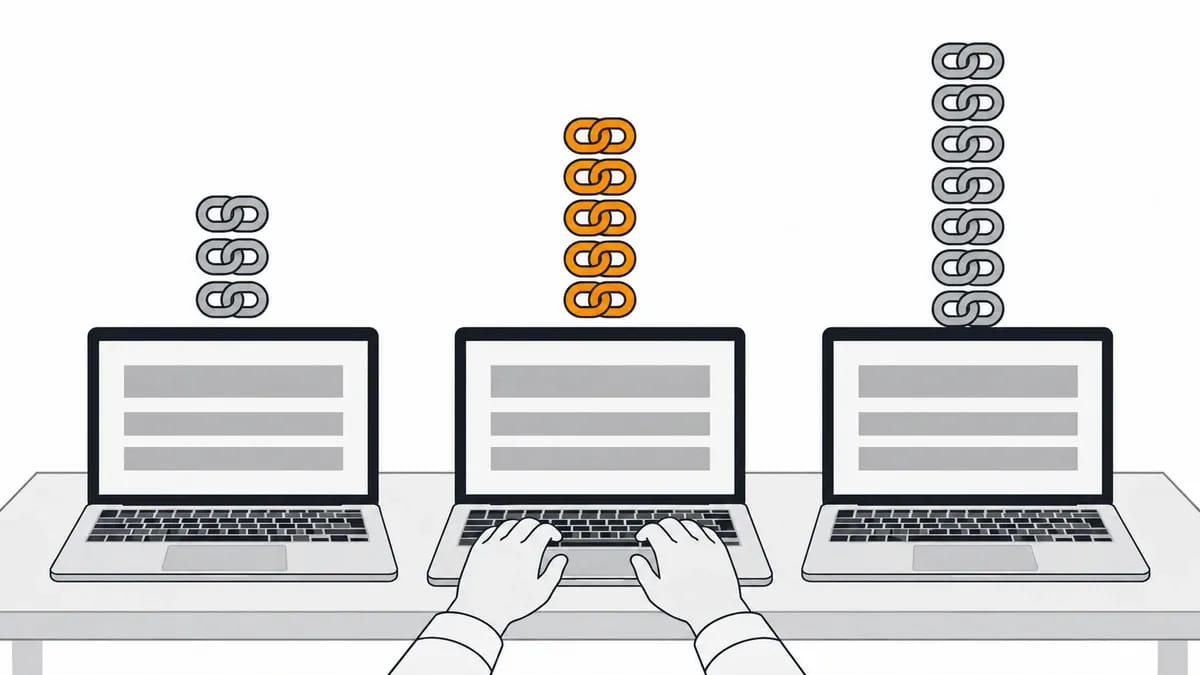
Every link we place carries 12-month replacement cover: if the link is removed, or its page is taken down, inside that period, we place a new one, like for like, free of charge.
Before a placement goes out we check the HTTP status code your target URL returns, so the link does not start life pointing at a dead page or a redirect chain. After publication we check that the page is live, that the link sits in the body copy, that the anchor text and target URL match the order, and that the page is indexable. Only then is the URL reported to the dashboard, where it can be exported as an unbranded file.
The full standard is on our quality assurance page.
Frequently asked questions
How do I find lost backlinks in Ahrefs?
In Ahrefs, open Site Explorer, enter your domain, go to Backlinks and choose Lost. The Lost backlinks report lists the links Ahrefs counted before and no longer counts, each with a reason tag, and the Status filter narrows the list to one reason. The Calendar report shows new and lost backlinks day by day. For links that point at dead pages on your own site, the Broken backlinks report is the one to open.
What does lost mean in Ahrefs when I can still see the link?
Lost in Ahrefs means Ahrefs no longer counts the link after its latest crawl, not that the link was removed. A Dropped tag means Ahrefs no longer indexes the linking page, and a Crawl errors tag means the page returned a status other than 200 on the last crawl; in both cases the link itself can still be sitting on the page. Open the page yourself before acting on any lost tag.
What should I do about a backlink that points to a 404 on my site?
In Ahrefs, the Broken backlinks report lists the referring pages that link to 404 pages on your site, with their anchors. Ahrefs' help page advises restoring the broken pages or redirecting them to other relevant pages, and Google Search Console's help page says a moved page should return a 3XX redirect to the new page. The fix sits on your own site.
What is the difference between link reclamation and broken link building?
Link reclamation gets back a backlink your own site had and lost; the link existed, and the job is recovery. Broken link building finds a dead link on someone else's site and offers your page as the replacement, which earns a link you never had.
related Blog Posts


Join 7,000+ Clients Growing with Rhino Rank
Sign Up


Stay ahead of the SEO curve
Get the latest link building strategies, SEO tips and industry insights delivered straight to your inbox.