
 Back to all posts

Google indexing issues are the reasons Search Console gives for a page not being in Google's index, listed status by status in its Page indexing report. Some of them need a fix on your site, and some need nothing at all.
This guide covers how to find the statuses on your own site, what each one means and what the tool's help page says to do about it, which statuses to fix and which to leave alone, how long validation and re-indexing take, two dated samples of how many pages are not indexed, and how links help a page get found in the first place.
What are Google indexing issues?
An indexing issue, or indexing problem, is a reason a URL on your site is not indexed, or is indexed with a warning. Search Console's Page indexing report lists 15 such reasons under its Not indexed group, plus two warnings for pages that are indexed with a caveat.
The help page's own framing: "Don't expect every URL on your site to be indexed." "Not indexed is not necessarily bad." "Your goal is to get the canonical version of every important page indexed."
So the job is not to clear the report. It is to check that the pages you want in search are indexed, and to know why the rest are not. For the crawling and indexing basics behind all of this, see how a search engine works.
How to identify Google indexing issues
You can see the indexing status of your pages in three places: the Page indexing report, a site: search on Google, and the URL Inspection tool.
The Page indexing report
Search Console describes the report as showing "how many URLs on your site have been crawled and indexed by Google". Each reason gets a row with a count of affected pages and a Source column that says whether the cause sits with Google or with your website. In general, the only issues you can fix yourself are the ones whose source is listed as your website. Example URL lists in the report are limited to 1,000 items.
A site: search for small sites
Search Console's help page has its own advice for smaller sites: "If your site has fewer than 500 pages, you probably don't need to use this report." For a site that size, it points you to a Google search for site: followed by your domain, to see which of your pages are indexed.
The URL Inspection tool
For one page at a time, the URL Inspection tool shows whether the URL is indexed and, if not, why not. Its live test has two stated limits: "The live URL test only confirms if Google-InspectionTool can access your page for indexing." And: "The live test does not check for the presence of the URL in any sitemaps or any referring pages."
Common Google indexing issues and how to fix them
Each status below is given in the report's own words, with the meaning and the fix that Search Console's help page gives for it.
Not found (404) and soft 404
Not found (404) means the URL returned a 404 response: there is no page there. Search Console's help page is measured about these: "404 responses are not necessarily a problem, if the page has been removed without any replacement. If your page has moved, use a 301 redirect to the new location." It also advises: "In general, we recommend fixing only 404 errors that you link to yourself or list in a sitemap."
If other sites link to a URL of yours that now returns a 404, a 301 redirect to the live page keeps those links pointing somewhere useful. That repair job is known as link reclamation.
Soft 404 is a page that tells the reader it cannot be found, yet the server does not return a 404 HTTP response code. For pages that are truly gone, the help page recommends returning a proper 404 response code. For a page that stays live, it recommends adding more information so the page is not read as a soft 404.
Blocked by robots.txt and marked noindex
URL blocked by robots.txt is what it says: "This page was blocked by your site's robots.txt file." A robots.txt block stops crawling, not indexing. Google's robots.txt documentation spells out the consequence: "A page that's disallowed in robots.txt can still be indexed if linked to from other sites." That is how the warning Indexed, though blocked by robots.txt arises: the URL sits in the index even though Google cannot crawl it. If keeping the page out is the goal, the fix on Search Console's help page is: "To ensure that a page is not indexed by Google, remove the robots.txt block and use a 'noindex' directive."
URL marked ‘noindex’ is the related case where the crawl got through: "When Google tried to index the page it encountered a 'noindex' directive and therefore did not index it." If the page should be indexed after all: "If you do want this page to be indexed, you should remove the 'noindex' directive." The two rules work against each other when combined, because Google cannot see a noindex directive on a page it is not allowed to crawl. Google's noindex documentation states: "For the noindex rule to be effective, the page or resource must not be blocked by a robots.txt file".
Server errors and blocked requests
Server error (5xx): "Your server returned a 500-level error when the page was requested." The fix on Search Console's help page: "Make sure your site's hosting server is not down, overloaded, or misconfigured." It also suggests checking recent host availability in the Crawl Stats report to see whether the problem is persistent or large-scale.
Blocked due to unauthorized request (401): "The page was blocked to Googlebot by a request for authorization (401 response)." For a page you want indexed, the fix is to remove the authorisation requirement.
Blocked due to access forbidden (403): "HTTP 403 means that the user agent provided credentials, but was not granted access. However, Googlebot never provides credentials, so your server is returning this error incorrectly. The page will not be indexed."
URL blocked due to other 4xx issue: "The server encountered a 4xx error not covered by any other issue type described here." The suggested next step: "Try debugging your page using the URL Inspection tool."
What the code families do, from Google's documentation on HTTP status codes (last updated 4 February 2026): "In the case of Google Search, Google doesn't index URLs that return a 4xx status code, and URLs that are already indexed and return a 4xx status code are removed from the index." And on server errors: "5xx and 429 server errors prompt Google's crawlers to temporarily slow down with crawling." Our guide to HTTP status codes covers what each code means.
Redirect errors
Redirect error covers four causes on Search Console's help page: a redirect chain that was too long, a redirect loop, a redirect URL that exceeded the maximum URL length, and a bad or empty URL in the chain. The suggested tool: "Use a web debugging tool such as Lighthouse to get more details about the redirect." And from the status code documentation: "By default, Google's crawlers follow up to 10 redirect hops."
Page with redirect is usually nothing to fix: "This is a non-canonical URL that redirects to another page. As such, this URL will not be indexed." If you redirected an old URL on purpose, this is the status you expect to see for it.
Duplicate content and canonical issues
Alternate page with proper canonical tag: "This page correctly points to the canonical page, which is indexed, so there is nothing you need to do."
Duplicate without user-selected canonical: "This is not an error, but is working as intended, because Google does not serve duplicate pages." Search Console's help page adds that "if you think that Google has chosen the wrong URL as canonical, you can explicitly mark the canonical for this page."
Duplicate, Google chose different canonical than user: "This page is marked as canonical for a set of pages, but Google thinks another URL makes a better canonical." The check: "Inspect this URL to see the Google-selected canonical URL under Page indexing > Google-selected canonical."
The help page's overall view of this group: "Having a page marked duplicate or alternate is usually a good thing; it means that we've found the canonical page and indexed it."
Crawled and discovered, currently not indexed
Crawled - currently not indexed: "The page was crawled by Google but not indexed. It may or may not be indexed in the future; no need to resubmit this URL for crawling."
Discovered - currently not indexed: "The page was found by Google, but not crawled yet. Typically, Google wanted to crawl the URL but this was expected to overload the site; therefore Google rescheduled the crawl. This is why the last crawl date is empty on the report."
A large share of URLs in Discovered - currently not indexed is one of the cases Google's crawl budget guide (last updated 22 July 2026) says it is written for. The others are "Large sites (1 million+ unique pages) with content that changes moderately often (once a week)" and "Medium or larger sites (10,000+ unique pages) with very rapidly changing content (daily)". Our guide to crawl budget goes into that side of it.
Page indexed without content
Page indexed without content: "This page appears in the Google index, but for some reason Google could not read the content." Inspect the URL and look at the page as the tool fetched it, to see what Google received.
Which statuses to fix and which to leave alone
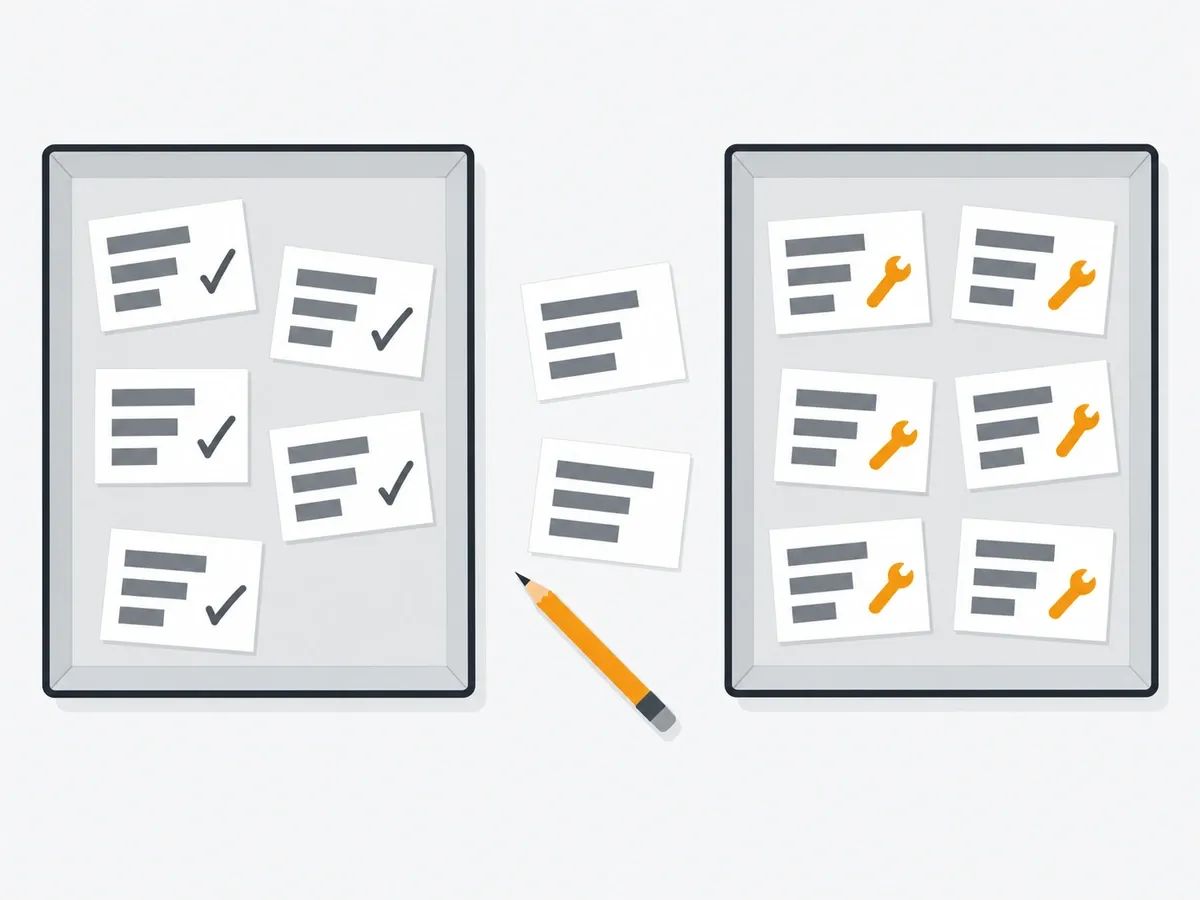
Not every status in the report is a problem. Sorted by what Search Console's help page says about each one, they fall into two groups.
Usually nothing to do:
- Alternate page with proper canonical tag: the page points to its canonical page, and the canonical is indexed.
- Duplicate without user-selected canonical: working as intended, unless Google has picked the wrong URL as canonical.
- Page with redirect: the expected status for a URL you redirected on purpose.
- Not found (404): fine for pages you removed without any replacement.
- URL marked ‘noindex’: correct for pages you chose to keep out of the index.
Fix when the page should be in search:
- Server error (5xx): check that the hosting server is not down, overloaded or misconfigured.
- Redirect error: a chain that ran too long, a loop, an over-long redirect URL or a bad URL in the chain.
- Soft 404: the page reads as not found but does not return a 404 code; for a page that stays live, add more information to it.
- Blocked due to access forbidden (403) and Blocked due to unauthorized request (401): Googlebot is being refused access to a page it should reach.
- URL blocked by robots.txt and URL marked ‘noindex’ on a page you want indexed: remove the block or the directive.
- Not found (404) on URLs you link to yourself or list in a sitemap: if the page has moved, redirect it to the new location; if it is gone, update the link or the sitemap entry.
Crawled - currently not indexed and Discovered - currently not indexed sit between the two groups. The help page asks for no resubmission of a crawled page, and the sections below cover the parts you control.
How many pages are not indexed? Two dated samples
Two dated, sampled figures give a sense of scale. Each applies to its own dataset, not to your site.
JPL Digital's indexation census, run by an SEO and web agency across its own and its clients' sites: "The JPL managed-fleet indexation census, run 11 September 2026, inspected all 575 URLs our seven Search Console properties submit for indexing, one URL Inspection call each." The result: "Of the 549 pages actually offered to Google, 77.6 percent are indexed." Of the 123 pages not indexed, 76 were Discovered - currently not indexed, 29 were Crawled - currently not indexed, 17 were unknown to Google and 1 was a duplicate with a different canonical. That is seven properties measured on a single day: their sample, not a rate for the web.
Indexing Insight's analysis (page last updated 20 February 2026), from a tool that monitors indexing, covered a much larger set: "When analysing 1.7 million pages in Indexing Insight, we found that 70-80% of pages with the 'crawled—currently not indexed' status have historically been indexed by Google." That is one vendor's monitored set. What it shows is that pages carrying the Crawled - currently not indexed status in its data had mostly been in the index before.
Validation and re-indexing
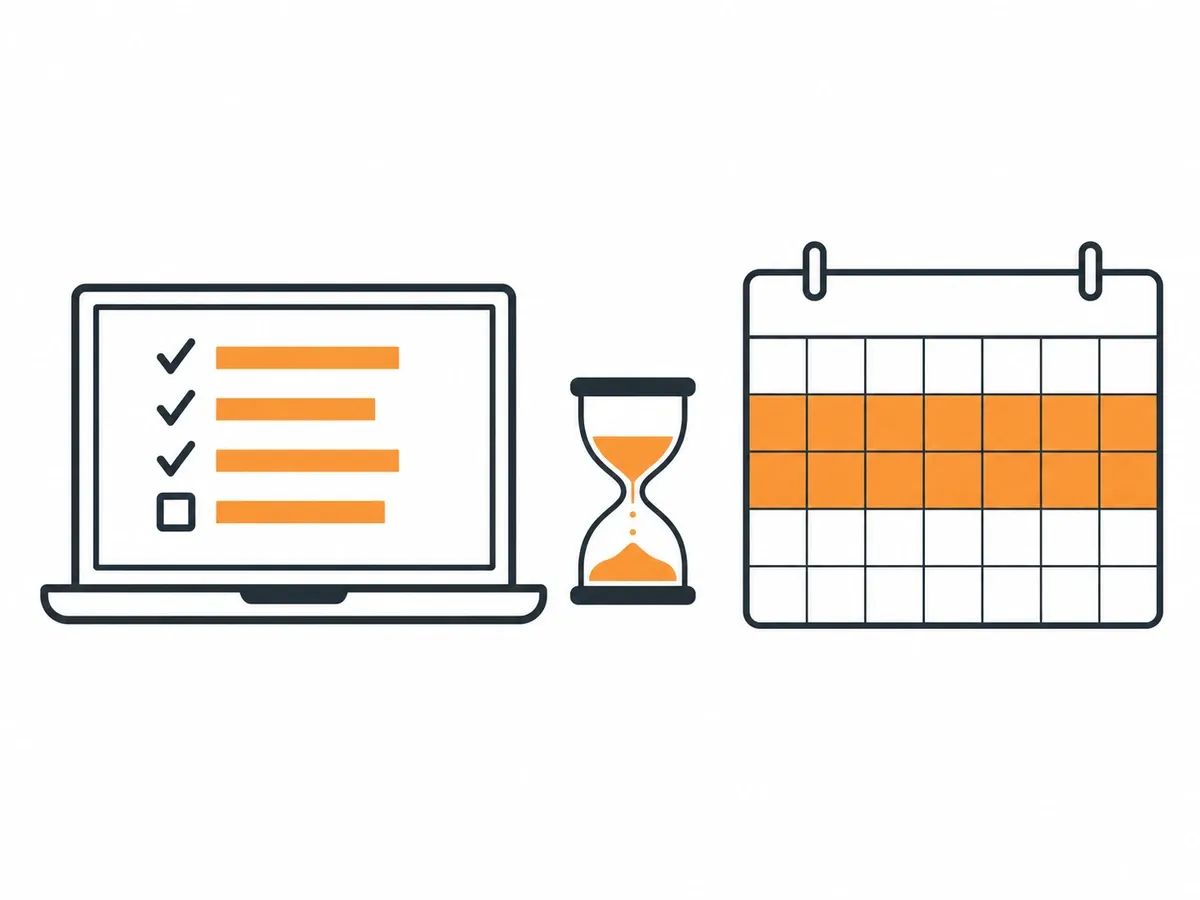
Getting a fix confirmed takes time, and the tool states its own limits.
Validate fix
Once an issue is fixed, the Validate fix button in the report starts a recheck. "When you click Validate Fix, Search Console immediately checks a few pages." Then: "Validation typically takes up to about two weeks, but in some cases can take much longer, so please be patient." If the fix missed a page: "If you missed a fix, validation will stop when Google finds a single remaining instance of that issue." And while a validation is running: "Do not click Validate fix again until validation has succeeded or failed."
Request indexing for one URL
For a single URL, the URL Inspection tool offers a request indexing option. Google's documentation on recrawling (last updated 10 December 2025) sets the limits. Who can ask: "You must be an owner or full user of the Search Console property to be able to request indexing in the URL Inspection tool." On volume and repeats: "Keep in mind that there's a quota for submitting individual URLs and requesting a recrawl multiple times for the same URL won't get it crawled any faster." On timing: "Crawling can take anywhere from a few days to a few weeks." And on the outcome: "Requesting a crawl does not guarantee that inclusion in search results will happen instantly or even at all."
Sitemaps
A sitemap tells Google where your pages are. From the Sitemaps report help: "Google will try to crawl a sitemap as soon as you submit it." The limit: "There is no guarantee that a page URL discovered in a sitemap has been or will be crawled or indexed by Google." For a brand new page or site, the Page indexing help page's timing: "It can take a week or so for Google to start crawling and indexing a new page or site."
IndexNow for other search engines
IndexNow is a protocol for telling search engines that a URL has changed. Its documentation (IndexNow.org) explains: "Search engines adopting the IndexNow protocol agree that submitted URLs will be automatically shared with all other participating search engines." The participating endpoints listed in its FAQ are Amazon, Bing, Naver, Seznam.cz, Yandex and Yep. On what a submission promises: "Submitting a URL does not guarantee immediate indexing." And on how to start: "To get started with IndexNow, check whether your Content Management System (CMS), hosting provider, or SEO plugin already supports it."
How links help a page get found and indexed
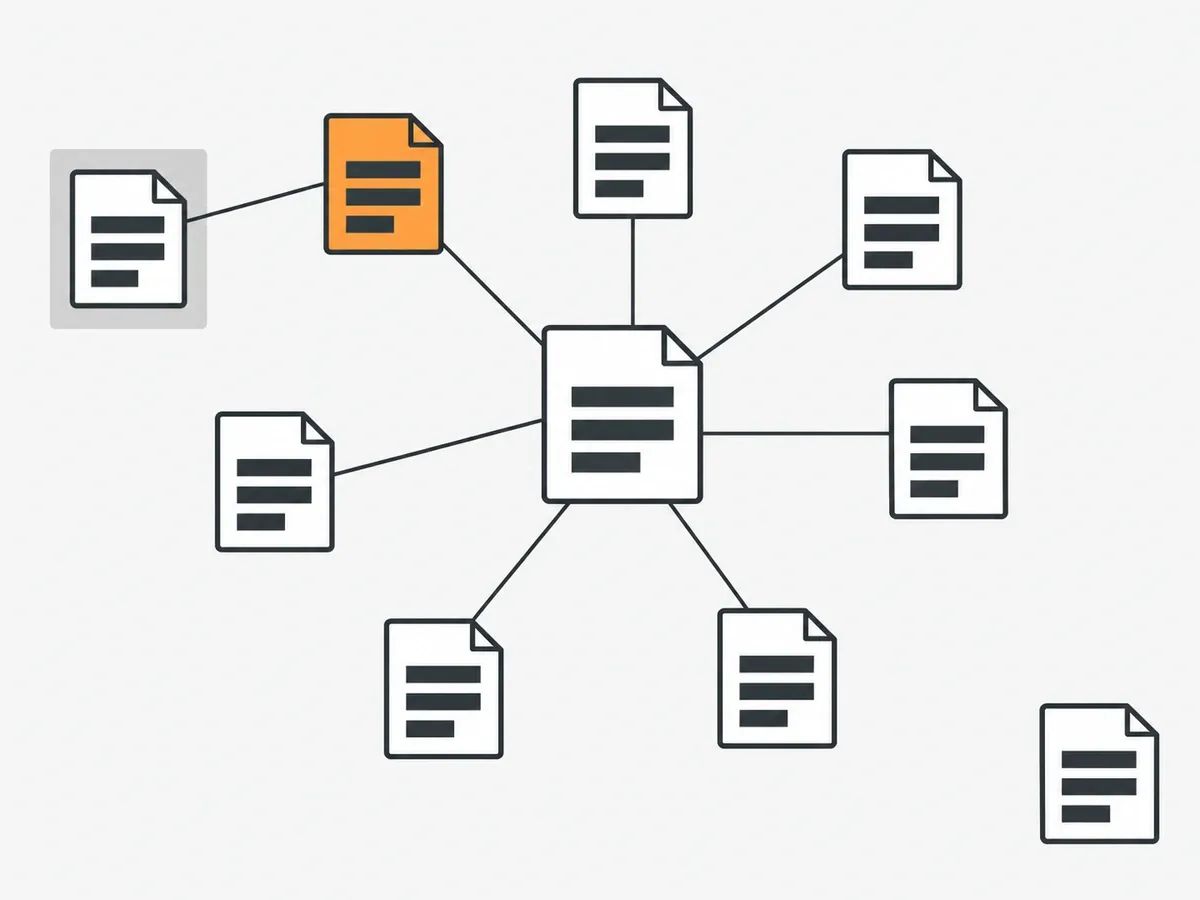
The statuses above are about pages Google already knows. A page first has to be found.
Google's How Search works page (last updated 18 December 2025) describes discovery this way: "Other pages are discovered when Google extracts a link from a known page to a new page: for example, a hub page, such as a category page, links to a new blog post." The Page indexing help page puts the requirement plainly: "Google needs a way to find a page in order to crawl it. This means that it must be linked from a known page, or from a sitemap." It also covers links from beyond your own site: "Google can find a page in many different ways, including someone linking to your page from another site." And Google's documentation on links (last updated 10 December 2025) adds: "Google uses links as a signal when determining the relevancy of pages and to find new pages to crawl."
On your own site, the lever is internal links. Search Console's help advises: "Be sure that you can reach any page on your site by following a chain of one or more links from your homepage." A page that nothing links to, and that is missing from the sitemap, gives a crawler no way in. Our guide to internal links covers how to structure that.
Indexing of the pages that carry your links
A link from another site only helps if the page it sits on can itself be crawled and indexed, so indexing matters on both ends of the link. After one of our placements is published, we check that the page is live, that the link is in the body copy, that the anchor and target URL match the order and that the page is indexable. Only then is the URL reported to the dashboard. That sequence is part of the quality assurance we run on every order.
We use two indexing services as standard for all clients, and between them we see roughly a 95% indexing rate. That figure is ours, not a promise for any one link. Because we place links on real sites owned by real people, those pages would most likely be indexed without a service, but left alone that can take up to 4 weeks. What we place includes Curated Links, links woven into articles that are already published, and our guide on how to index backlinks covers the page that carries the link.
Frequently asked questions
What is an alternate page, and how does it affect indexing?
An alternate page points to a canonical version of itself, and Search Console reports it as Alternate page with proper canonical tag. The canonical page is the one Google indexes, so Search Console's help page says there is nothing you need to do for the alternate page.
Why am I seeing pages marked as Discovered - currently not indexed in Google Search Console?
Discovered - currently not indexed means Google has found the URL but has not crawled it yet. Search Console's help page explains that Google typically expected the crawl to overload the site, so it rescheduled the crawl, which is why the last crawl date is empty for these URLs.
What does Crawled - currently not indexed mean?
Crawled - currently not indexed means Google crawled the page but did not index it, and it may or may not be indexed in the future. Search Console's help page says there is no need to resubmit the URL for crawling.
How do redirect URLs and redirect loops impact Google indexing?
Search Console reports these as Redirect error, with four possible causes: a chain that was too long, a loop, a redirect URL that exceeded the maximum length, or a bad or empty URL in the chain. Google's crawlers follow up to 10 redirect hops by default, so short chains and no loops keep the target reachable for Googlebot.
What does it mean if my URL is blocked by robots.txt or marked noindex?
A URL blocked by robots.txt entry means the site's robots.txt file stopped Googlebot from crawling the page, though Google says such a page can still be indexed if other sites link to it. URL marked ‘noindex’ means Google reached the page but found a noindex directive and did not index it. The two rules work against each other if combined, because Google can only see a noindex directive on a page it is allowed to crawl.
How do server errors and response codes affect Google indexing?
Google does not index URLs that return a 4xx status code, and pages already indexed that start returning a 4xx are removed from the index. Server errors, the 5xx codes and 429 responses, make Google's crawlers slow down temporarily, and a page that returns a 500-level error appears as Server error (5xx) in the Page indexing report.
What is the role of user agent provided credentials in indexing?
The phrase comes from Search Console's help text for Blocked due to access forbidden (403). A 403 means the user agent provided credentials but was not granted access; Googlebot never provides credentials, so a 403 shown to Googlebot means the server is refusing it, and the page will not be indexed.
What should I do if Google chose a different canonical than the one I selected?
Search Console reports this as Duplicate, Google chose different canonical than user. Inspect the URL in the URL Inspection tool to see the Google-selected canonical and compare it with the canonical you chose.
Why are some pages indexed without content?
Page indexed without content means the URL is in Google's index, but Google could not read the content when it fetched the page. Inspect the URL in Search Console and look at the fetched page to see what Google received.
How long does it take to fix page indexing issues?
After a fix, Search Console validation typically takes up to about two weeks, and Google says it can take much longer. When you request a crawl of one URL, crawling can take anywhere from a few days to a few weeks, and asking again for the same URL does not get it crawled any faster.
How do other sites linking to my pages influence Google indexing?
Google finds pages by following links from pages it already knows, including links from other sites. Google also says it uses links when determining the relevancy of pages and to find new pages to crawl. A link from another site only helps if the page it sits on can itself be crawled and indexed.
related Blog Posts




Join 7,000+ Clients Growing with Rhino Rank
Sign Up



Stay ahead of the SEO curve
Get the latest link building strategies, SEO tips and industry insights delivered straight to your inbox.