
 Back to all posts

Backlink management is keeping a record of the links that point to your site, checking that each one is still live and still as it was placed, and getting a lost one back or replaced. It is routine upkeep, the same as keeping any other asset register.
It needs doing because links sit on other people's pages, and pages get edited, moved and deleted.
This guide sets out what to record for each link, where the data comes from, how links are lost, what to do when one goes, and how often to check. To manage your backlinks well you need the record first; everything else hangs off it. The closing sections cover what we report on an order and when to hand the work to someone else.
What backlink management is
Backlink management comes down to three jobs.
The first job is to record: know which links you have, one row per link. The second is to check: confirm each link is still live and unchanged, still on the same page, still pointing at the same target with the same anchor. The third is to recover: when a link goes, get it restored, redirected or replaced.
Who does the work depends on the setup. A site owner can run the whole thing from a spreadsheet. An agency can run it across a full client list. A tool can check the list on a schedule and flag what changed. What a backlink management tool automates is the checking; the record itself, and every decision about what to do, stay with you.
None of the three jobs needs specialist knowledge. All three need consistency, because the value sits in the record being current rather than in any single check.
The full set of links pointing at your site is your backlink profile, which has its own guide, including how to strengthen a thin one. This page is about keeping that set current: the record, the checks and the recovery work.
What to record for each link
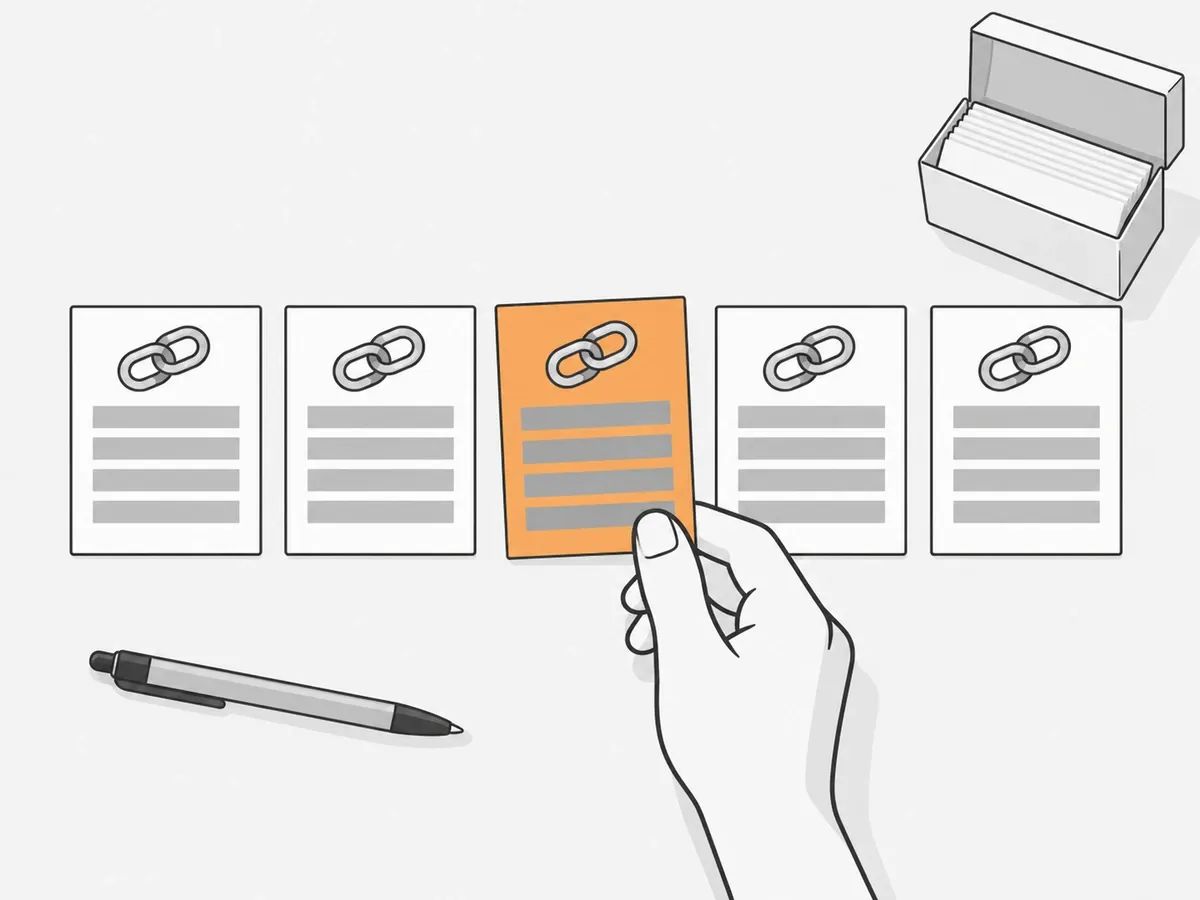
Keep one row per link, and write down the same eight fields every time.
Field | What to write down |
|---|---|
Linking page | The full URL of the page the link sits on |
Target URL | The page on your site the link points to |
Anchor text | The clickable words, as placed |
Link attribute | Followed, nofollow, sponsored or UGC |
Date found or placed | When the link went live or was first seen |
How it came about | Placed on an order, earned by outreach, or found by a tool |
Last checked | The date of the latest check |
Status | Live, changed, or lost, with the reason |
The eight fields of a backlink record.
The attribute field uses the terms covered in our guide to dofollow and nofollow links. For links you ordered, start from the supplier's report and your own order details. For links a tool found, start from the tool's export.
The last two fields are the ones you fill in yourself at each check, and they are what turns a list into a managed record. A link marked lost, with the reason written beside it, is something you can act on. A bare URL is not. Fill the fields in as they are, not as they should be: the anchor is the clickable words as placed, and the status is what your latest check found. Keep the sheet plain, one row per link and one column per field, so the monthly check stays quick.
Where the data comes from, tool by tool
Each tool finds links with its own crawler, so each one shows a different set; the report names in this table are as each vendor prints them.
Tool | Report | What it lists |
|---|---|---|
Google Search Console | Links report | Top linked pages, top linking sites and top linking text |
Bing Webmaster Tools | Backlinks | Referring domains, anchor texts and the pages that link to you |
Ahrefs | Lost backlinks, in Site Explorer | Lost links, each with a reason tag |
Majestic | New and Lost, in Site Explorer | Each link with the date it was first indexed, last seen and reported missing |
Semrush | Backlinks Overview | New, lost and total referring domains |
Moz | Discovered & Lost, in Link Explorer | Linking domains discovered and lost |
What each tool's link report lists.
The two free reports are samples. Google's help page for the Links report says the report is a sample of the links to your site, not a complete list of every link. It also says a listed link may have been removed since, or its page may no longer exist. The tables stop at 1,000 rows, so on a larger or more linked-to site the list may be truncated. Bing's help page describes its Backlinks report in similar terms: a representative set of links from different domains and anchor texts, not a complete profile.
"Lost" is each tool's own label, and it does not always mean the link has gone from the page. Ahrefs' Help Center article on lost-link reasons, dated 3 September 2026, lists the reason tags it uses. When its crawler cannot reach the linking page, the tag is "Not found", and Ahrefs says it will add the link back if the page is live on the next re-crawl. For a link taken off a page that is still up, the tag is "Link removed".
A tool can also be wrong. Majestic's Lost Backlinks page says so itself: "Finally, we cannot rule out a technical problem related to the server: our crawler may have mistakenly perceived the link as removed due to a unique error encountered during its last visit to the page." So before you act on a lost link, open the page yourself.
Timing matters as well. Moz's help page says: "We currently try to re-crawl all high-quality pages at least every 90 days." A loss can therefore show in a tool some time after it happened.
Why the counts differ between tools is covered in our guide to how many backlinks you have, and two of these indexes are compared side by side in Ahrefs and Majestic.
How links are lost
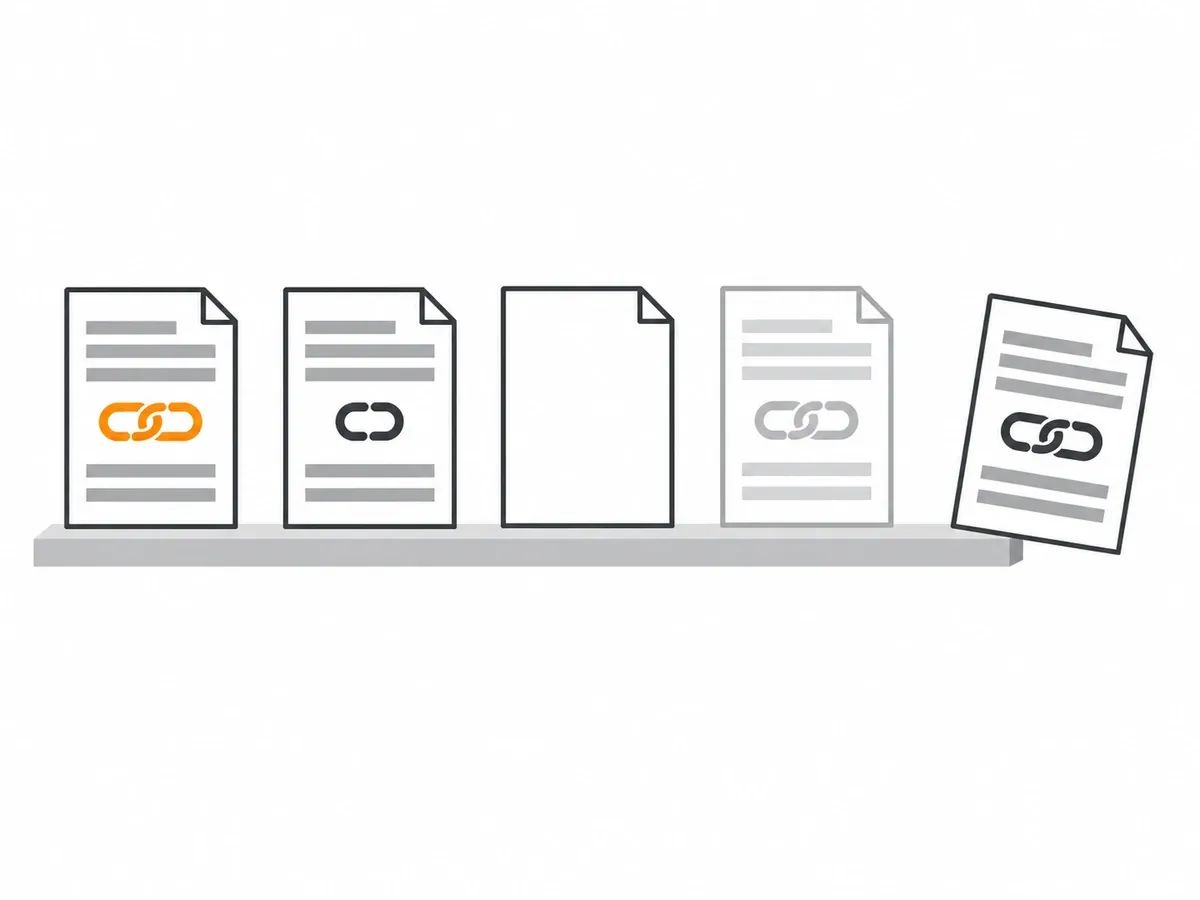
Links are lost in a handful of ways, and most of Ahrefs' lost-link tags map onto them. The linking page is deleted or starts returning an error ("Not found", "Crawl errors"). The page is redirected elsewhere ("301/302 redirect"). The page stays up but the link is edited out of it ("Link removed"). The page is set to noindex, or points its canonical at another page, and Ahrefs stops counting the link even if it is still there ("Noindex", "Not canonical anymore"). Or your own target page is removed, so the link leads nowhere. What each response a page can return means is covered in our guide to HTTP status codes.
Page loss is common enough to measure. The Pew Research Center reported on 17 May 2024, from a sample of 500,000 pages on news sites captured in spring 2023: "When we tracked these links to their destination, we found that 5% of all links on news site pages are no longer accessible. And 23% of all the pages we sampled contained at least one broken link." Be clear about what that measured: links on news pages pointing outwards, not the backlinks of any one site. It is a figure about news pages, and it belongs to that sample.
One company's own links give a figure measured on backlinks. Antonio Gabrić, outreach manager at Hunter, wrote on Moz's blog on 31 January 2024 about checking the links his team had acquired: "After analyzing our backlink profile, we discovered we lost nine percent (74 backlinks) of the backlinks we acquired in the last three years." The two most common reasons he found were that the site owner had removed the link, or the page had a 404 or another technical fault. That is one company's set of links, acquired by outreach over three years; another site's share will differ.
What to do when a link is lost
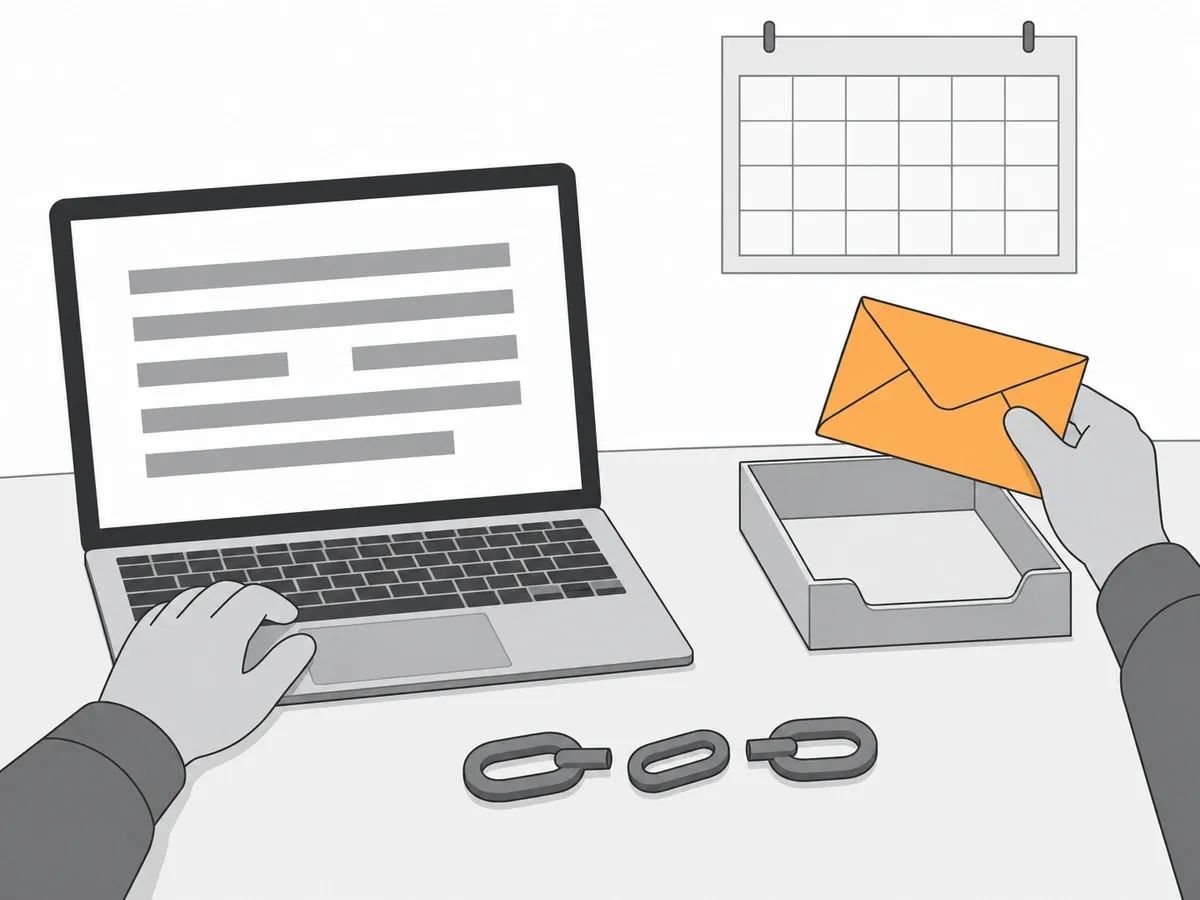
When a tool marks a link as lost, work through four steps in order.
- Confirm it. Open the linking page in a browser and look for the link yourself. If the link is there, the tool missed it: mark the link live in your record and move on. Tools re-crawl on their own schedules, and a page that failed to load for a crawler may load fine for you.
- Find the reason. The page is gone, the page has been redirected, the link has been edited out, or your own target page is gone. Write the reason in the status field, so the next check starts from facts rather than a flag.
- If your own page is the cause, fix it on your side. A removed page that still has links pointing at it can be redirected to the live page that replaced it. Joshua Hardwick, writing on Ahrefs' blog on 31 July 2024 about removed pages that still have links, put it this way: "You can then just redirect them to wherever makes sense." Google's redirects documentation names removing a page and sending its users to a new page as one case for a redirect.
- If the other site is the cause, ask. Send a short, specific email to the person who runs the page: which page, which link, what it pointed to, and the fix you are asking for. Gabrić's campaign gives one measured result. His team sent 166 emails over 30 days and reported: "With only a 30-day campaign, we reclaimed 31 backlinks." He puts his conversion rate at 18.67% (31 links from 166 emails), and he notes that most of the people contacted had worked with his team before.
If the link was placed on an order with replacement cover, the supplier replaces it, which is step 4 done for you.
Whichever step closes the case, update the record the same day. The outreach side of getting a lost link restored is covered in our guide to link reclamation, and a fuller review of the whole profile is a link audit.
How often to check
A monthly check suits a site that is adding links, and a quarterly one suits a site that is not. Export the new and lost links from your tool, update the "last checked" and "status" fields in your record, and work through the lost ones: confirm each loss, find the reason, then fix it on your side or ask the other site. Pick a day of the month and keep it.
Check sooner after a site migration or a URL change on your own site, because that is when your own target pages change and links start pointing at old addresses.
Alerts can take over the watching. Ahrefs offers backlinks alerts by email when a target gains or loses links, with the frequency depending on the plan, and a dedicated monitoring tool checks a fixed list of links on a schedule. Either replaces the manual export; neither replaces the record. Whatever the cadence, a check that does not update the record changes nothing.
What we report and replace on an order
Some of the record arrives ready-made when the links came from us.
Before placement, we check the HTTP status code your target URL returns, so a link is not pointed at a dead page or a redirect chain. After publication, our QA team reviews the live page: the article is live, the link sits in the body copy, the anchor and target URL match the order, and the page is indexable. Only then is the URL reported to your dashboard. The full checklist is in our quality assurance standard.
Every live URL appears in your dashboard report, and you can export it as an unbranded file. That export gives you the linking page for each link, ready to paste into your own sheet, and the target URL and anchor text are the ones you gave us on the order.
Every delivered link also carries 12-month replacement cover. If a delivered link is removed, or its page is taken down, within 12 months, we replace it like for like.
When to hand backlink management to someone else
The work is routine, but it grows with the number of links and the number of sites. An agency running campaigns across a client list, or a site adding links every month, reaches the point where the monthly check is a job in itself, and the record keeping starts to crowd out the work the record is meant to support.
Our managed link building service includes a dedicated account manager, competitor research, manual outreach and monthly white-label reporting, with no contract.
Whoever does the work, ask for the record itself: the list of live URLs with dates, not a summary score. A report you can check line by line is what keeps the links managed rather than merely counted.
Frequently asked questions
What is backlink management?
Backlink management is the routine of recording the links that point to your site, checking that each one is still live and unchanged, and recovering or replacing the ones that go. It rests on a simple record, one row per link, updated on a regular schedule, and it is upkeep rather than a one-off task.
Is backlinks management the same as backlink management?
Yes. Backlinks management is the same task under a second spelling, and the same job is also written as back link management or SEO link management. All four phrases describe keeping a record of your inbound links, checking them on a schedule, and dealing with any losses.
How do you manage backlinks?
Keep one row per link with the same fields every time, check the list monthly, and confirm any reported loss by opening the page yourself. If your own target page caused the loss, redirect it on your side. If the other site caused it, send a short, specific email asking for the fix.
What does a backlink management tool do?
A backlink management tool, often sold as a backlink monitoring tool, checks a list of links on a schedule and alerts you when one changes or disappears. It automates the checking. The record itself, and the decision about what to do when a link goes, stay with you, with or without a tool.
How do you monitor backlinks for free?
Use Google Search Console's Links report and Bing Webmaster Tools' Backlinks report. Both are free, and both show a sample of your links rather than a complete list. Search Console's report tables stop at 1,000 rows, so on a larger site a table may be cut short.
What should a backlink report include?
For each link, a backlink report should give the linking page, the target URL, the anchor text, the link attribute, the date the link was found or placed, and its current status. Without those fields for every link, a report is a summary rather than a record you can manage from.
related Blog Posts


Join 7,000+ Clients Growing with Rhino Rank
Sign Up



Stay ahead of the SEO curve
Get the latest link building strategies, SEO tips and industry insights delivered straight to your inbox.