
 Back to all posts
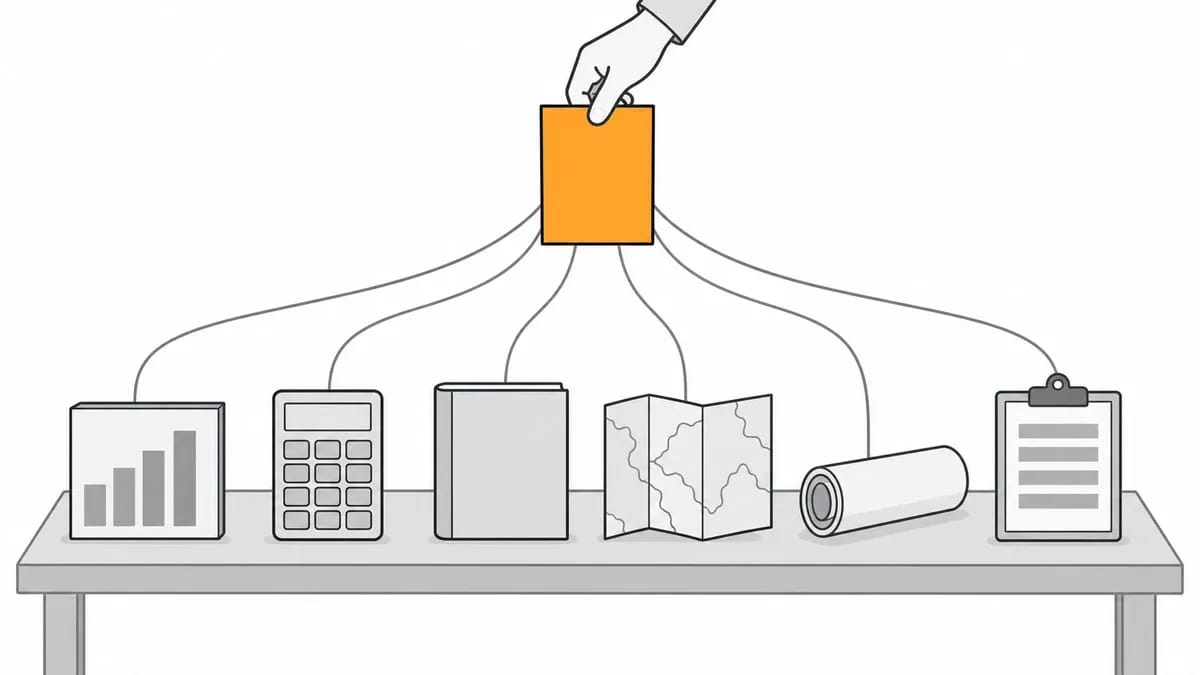
A linkable asset is a page made to be cited: a study, a tool, a guide, a map, a chart or a template that another writer can point to when they need a fact, a source or something useful for their readers. Linkable assets are built to give other sites a reason to reference them.
This guide covers the six types of linkable asset with one real example of each, from Stack Overflow's Developer Survey to W3Schools' HTML Tutorial, and the link figure its source gives. It also covers what three people who built assets counted, how to find ideas in a link tool, and how an asset gets in front of the people who link. If you have heard the idea called linkable content, it is the same thing.
What a linkable asset is
The test for a linkable asset is plain: would a writer on another site lose something if they could not point to this page? A page of original numbers passes that test, because the writer needs the figures to make their point. So does a tool that works out an answer, or a template that saves work. A sales page does not, because nobody needs to cite it.
A linkable asset is a page, with one URL, that stays up. That is what lets links collect on it over time: each new citation points to the same address. It is not a separate kind of SEO. It is content with a job, and the job is to be referenced. A post that answers a passing question can be good content without being a linkable asset, if nobody needs to reference it.
How many pages get no links at all, and which formats the large studies counted, is set out in content marketing for link building; this page gives examples instead. You may also have seen the older term link bait, used for content made to attract links.
Six types of linkable asset, with a real example of each
Each figure in this table is as reported by the source named beside it, on the date given; they are counted in different ways and are not a league table.
Type | Example | Link figure | Source of the figure |
|---|---|---|---|
Original data or a study | Stack Overflow's 2025 Developer Survey | 11 English Wikipedia articles link to it | Our count, 4 October 2026 |
Free tool or calculator | CoSchedule's Headline Analyzer | 16K+ links from 3.6K+ referring domains | Ahrefs' guide, updated 5 November 2020 |
Guide or reference | W3Schools' HTML Tutorial | 1M+ links from 4.4K+ referring domains | Ahrefs' guide, updated 5 November 2020 |
Interactive resource | The Pudding's visual essays | 28 English Wikipedia articles link to the site | Our count, 4 October 2026 |
Visual asset | Search Engine Land's Periodic Table of SEO Success Factors | 8.6K backlinks from 2.3K referring domains | Ahrefs' guide, updated 5 November 2020 |
Template or checklist | ProjectManager's Excel budget templates | Over 100 referring domains | Kevin Rowe, Search Engine Journal, 19 June 2023 |
Original data and studies
Original data and studies are pages of numbers nobody else has: a survey, a dataset, a count of something in your field. A writer cites one because the numbers exist nowhere else. Stack Overflow's 2025 Developer Survey is the example here, and Stack Overflow describes it this way: "Stack Overflow received over 49,000+ responses from 177 countries across 62 questions focused on 314 different technologies".
Free tools and calculators
A free tool gives the reader an answer to their own input, which is what makes it worth citing: the writer can send readers to something they can use. CoSchedule's Headline Analyzer analyses a headline the reader types in, and Ahrefs' guide, updated 5 November 2020, put it at 16K+ links from 3.6K+ referring domains. Our own example is the free DA and DR checker we run: launched in February 2026, it had run 29,632 checks on 15,357 unique domains by our July 2026 sample.
Guides and reference pages
A guide or reference page answers the same question for years, so a writer can cite it knowing the page will still say the same thing when a reader follows the link. W3Schools' HTML Tutorial is the example: Ahrefs' guide, updated 5 November 2020, put it at 1M+ links from 4.4K+ referring domains.
Interactive resources
Interactive resources are maps, explorers and visual essays the reader can move through rather than read in one pass. A writer cites one because the reader has to play with it to get the point, so a screenshot or a summary will not do. The Pudding publishes visual essays built on data, and on 4 October 2026 we counted 28 English Wikipedia articles that link to the site.
Visual assets
A visual asset is a chart or diagram another site can embed with a credit, or redraw while citing the source. A writer cites one when the chart makes their point faster than a paragraph of explanation would. Search Engine Land's Periodic Table of SEO Success Factors, an infographic, is the example. Its figure, 8.6K backlinks from 2.3K referring domains, is from Ahrefs' guide.
Templates and checklists
A template or checklist is a file the reader can use at once, and a writer cites it so their readers can download the same file. Kevin Rowe, writing in Search Engine Journal on 19 June 2023 about ProjectManager's Excel budget templates, put the figure this way: "This example is simple but has secured over 100 referring domain links."
For two examples we counted the English Wikipedia articles that link to the asset, on 4 October 2026, using the data behind Wikipedia's link search page and counting articles only. That is a count of Wikipedia articles, not of referring domains, and it cannot be set beside the Ahrefs figures. The Stack Overflow survey site as a whole had 22 such articles. The Ahrefs figures appear in a guide updated on 5 November 2020 and will have changed since, so treat every figure in the table as a dated reading rather than a current one.
What three first-hand accounts show about when links arrive
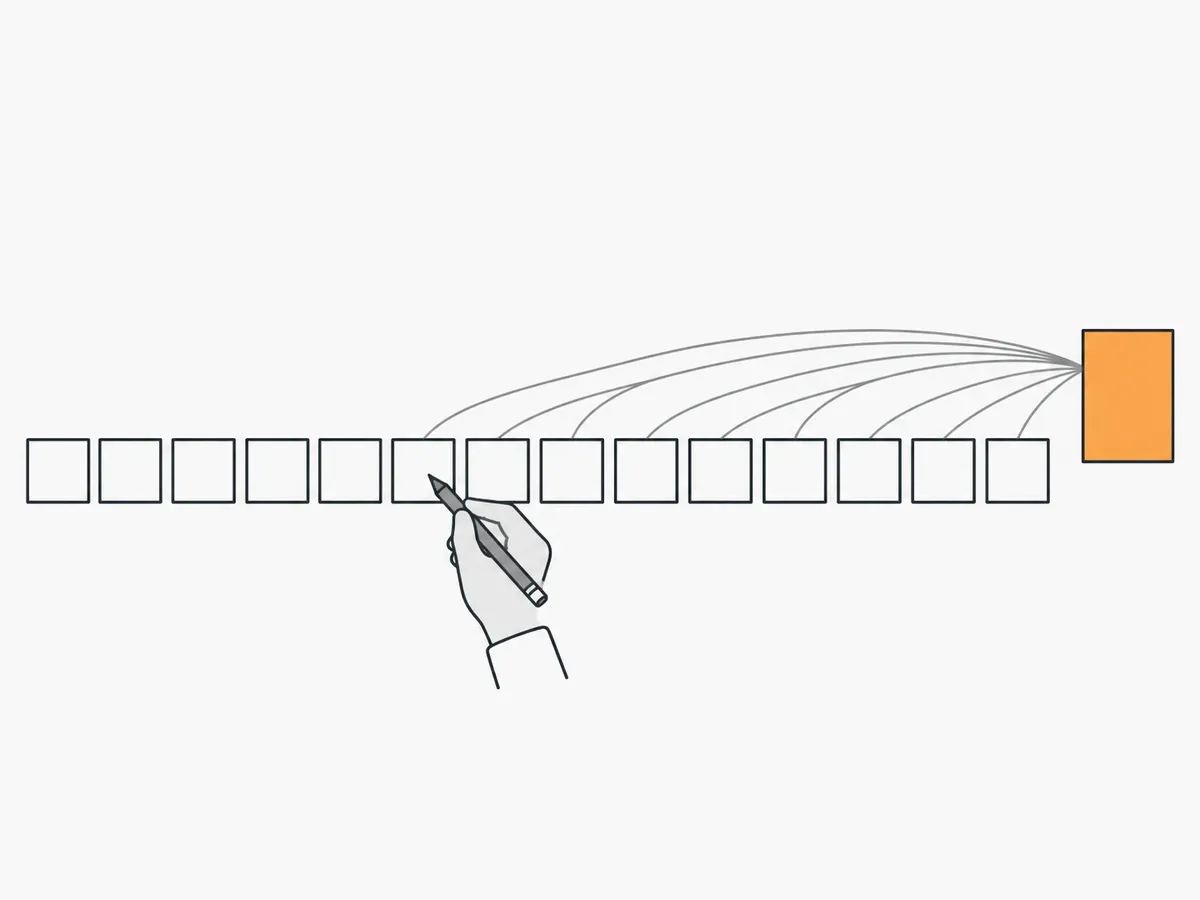
The three accounts below come from Sayed Haq, Narrative Bent and Sunny Patel. Each is one person's or one agency's own count for pages they built, published with its own figures and its own dates. None is our work, and none is a promise about your pages.
One guide, 40 months, no outreach
Sayed Haq, writing on Editorialge on 30 August 2026, gave the record of one how-to guide published in April 2023. His figures: "Referring domains earned: 79 across 40 months" and "Outreach emails sent: 0". The start was slow: "Nothing happened for 18 weeks." After that, by his account, the page picked up roughly 3 to 4 links a month, and the first link it received was a nofollow one. Eighteen weeks of nothing, then a steady few each month: that is the shape one page's record shows. This is one page on one site, and the count is his own, so read it as a record, not a promise.
Five surveys from one agency
Narrative Bent, a digital PR agency, reported on 30 September 2026: "We've published 5 content-led PR surveys for Narrative Bent clients since June 2025. Together they've earned 249 links from 147 websites so far." One of the five was seasonal, a survey about holiday cards: "It picked up 29 links in its first 60 days. In the 10 months since, it's picked up 6 more." Read plainly, that shows this seasonal survey got its links when writers were covering the season, and few outside it. The figures are the agency's own count for its own client work. The same post lists what its longer-lasting reports share: they answer a question people ask year after year, the numbers are written into the page's text, the page stays at one address that is never moved or taken down, and the data is refreshed or re-run.
Statistics pages on one consultant's site
Sunny Patel, an SEO consultant, checked his own site with the Ahrefs API on 24 September 2026 and found his statistics pages held more referring domains than his articles, landing pages, service pages, portfolio pages or free tools: "The three largest are the UK SEO statistics page with 12, local SEO statistics with 8 and AI search statistics with 7." His free tool pages came out at zero: "No tool URL appeared with a referring domain in this pull." He notes that page age and promotion were not controlled for, so this is one site's reading on one day, not a rule.
What these three accounts have in common is only what they counted: each asset was a page of numbers or instructions another writer could cite, and in the two accounts with dates, the links came over months, not on launch day. Three accounts are not a general rule, and this guide does not turn them into one. They are three dated records, and the dates matter as much as the counts.
How to find linkable asset ideas in a link tool
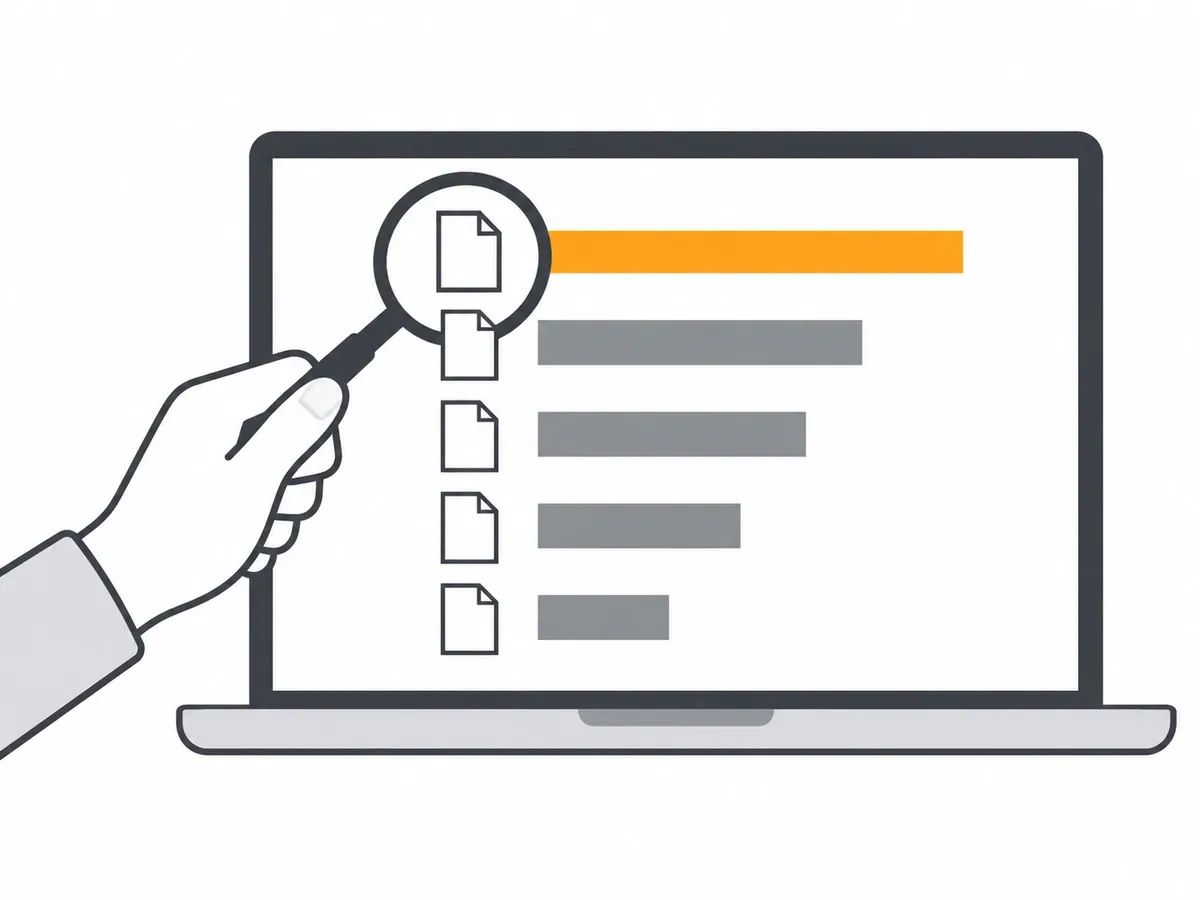
Every link tool has a report that lists a site's pages by the links pointing to them; run it on a competitor to see which of their pages other sites cite. For competitor research in Ahrefs, that is the Best by links report.
Tool | Report | What the vendor's page says |
|---|---|---|
Ahrefs | Best by links | "Find out which of your competitors’ pages have the most links and understand the type of content that attracts links in your industry." |
Semrush | Indexed Pages | "Here it’s easy to check out the content on your competitor’s website that attracted the most backlinks." |
Majestic | Pages, with the Popular Content preset | "This report is ordered from the most linked to URLs to the least, using the Referring Domains count." |
Moz | Top Pages | "You also have the option to sort your Top Pages by clicking the headers of the Linking Domains and External Links columns." |
For your own site, Google Search Console's Links report has a "Top linked pages" table, and its help page says: "Select a URL in the list to see the top sites linking to that page." That is the view for a site you own; the tool reports in the table are the view for everyone else's.
What you are looking for is a pattern, not a single page to copy. If three sites in your field all get their links on statistics pages, a statistics page is what writers in your field are citing. Your asset is the one with the numbers none of them has.
The method has three steps. Run the report on three or four sites in your field. Note which page types appear at the top: a statistics page, a calculator, a glossary. Then pick a subject where you have data or expertise the existing page lacks, because that gap is what your asset fills. Write the page types down before you shortlist ideas, so the shortlist comes from what gets cited rather than what is easiest to write.
The Ahrefs steps, report by report, are set out in how to use Ahrefs for link building, and reading a rival's links in detail is covered in how to check competitor backlinks.
How a linkable asset gets seen
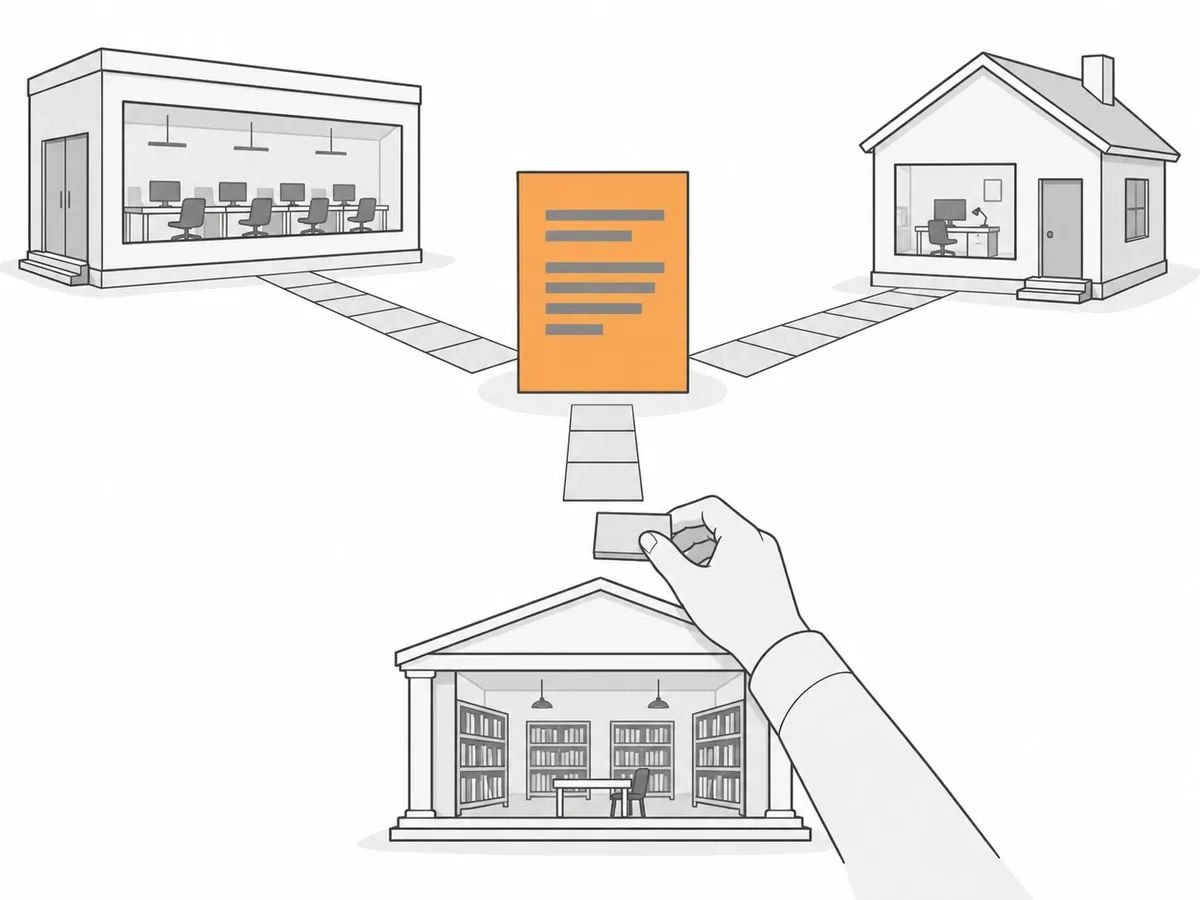
An asset has to be found before anyone can link to it, and that can take time: Sayed Haq's guide on Editorialge waited 18 weeks for its first link.
Outreach and digital PR
One route is to tell the people who write on the subject that the asset exists. That means a short email with the one finding or use that fits their page, sent to the writer whose page it belongs on. The email is short because the writer's time is short: one finding, one link, one reason it fits their page. Each pitch is about the recipient's page, not about your asset: what it adds to what they have already written. Surveys and data are pitched to journalists, because a journalist needs a figure to write against; that is what Narrative Bent's five surveys were. And asking sites that already link to an older page on the subject to look at yours is the skyscraper technique.
Placed links that point at the asset
A link placed on an order can point at the asset page as readily as at a homepage or a product page. With our Guest Posts, you tell us which page to promote and you choose the anchor text; the article is written around your link. With Curated Links, the link goes into an article that is already published, and you supply the anchor text and the target URL. Either can name the asset as the target. The target is your choice because the page is yours: the asset, not the homepage, can be what the placement promotes. That puts the asset in front of readers of sites in your field, and it is a normal route by which a page picks up links.
What we check on a placement
Because we place links, we check what they point at. Before a placement goes out we check the HTTP status code the target URL returns, so the link is not pointed at a dead page or a redirect chain; that matters for an asset whose URL has moved since it was built. If the URL has changed, we want to know before the link is placed, not after. After publication we check that the article is live, that the link sits in the body copy, that the anchor and target URL match the order, and that the page is indexable. The same checks run whether the target is an asset, a homepage or a product page. The full list is in our quality assurance standard.
How to measure a linkable asset
Measure a linkable asset the way Sayed Haq and Narrative Bent did: by links, over time, on one URL.
Count referring domains to the asset's URL in the same tool each time, and write the date beside each count. Write the tool's name beside it too, so a later reading is taken the same way. Figures from two tools are not comparable, because each tool crawls its own index. For your own site's view, Search Console's Links report has the "Top linked pages" table.
Keep the URL the same when you update the page, so the links it has keep pointing at it. And check again over months, not days: Sayed Haq counted over 40 months, and Narrative Bent over 60 days and then 10 more months. Beside each count, note what promotion ran since the last one, so any change can be read against it.
Frequently asked questions
What is a linkable asset?
A linkable asset is a page made to be cited by other sites: a study, a tool, a guide, an interactive resource, a visual or a template. It gives another writer a fact, a source or something useful for their readers, and it sits on one URL that stays up, so links can collect on it over time. It is content with one job: to be referenced.
What are the types of linkable assets?
There are six types covered in this guide: original data and studies; free tools and calculators; guides and reference pages; interactive resources; visual assets; and templates and checklists. Each type gives a writer a different reason to cite the page, from numbers they cannot get elsewhere to a file their readers can use at once. A single asset can also mix types, such as a study published with a calculator.
What are some examples of linkable assets?
Examples of linkable assets include Stack Overflow's Developer Survey, CoSchedule's Headline Analyzer, W3Schools' HTML Tutorial, The Pudding's visual essays, Search Engine Land's Periodic Table of SEO Success Factors and ProjectManager's Excel budget templates. Each is a page or site other writers point to when they need a fact, a tool, a reference or a file they can use, and the figures come from named, dated sources.
How do you find linkable asset ideas?
Run a link tool's most-linked-pages report on sites in your field: Best by links in Ahrefs, Indexed Pages in Semrush, Pages with the Popular Content preset in Majestic or Top Pages in Moz. Note the page types that appear at the top, then pick a subject where you have data or expertise the existing pages lack. The same reports work on your own site.
How do you find your own linkable assets in analytics?
Search Console's Links report lists the pages on your site with the most links in its Top linked pages table, and a link tool's most-linked-pages report does the same from its own index. The pages at the top of either list are the assets your site already has, whether you built them as assets or not. Check both, because the two lists may not match.
How long does a linkable asset take to get links?
There is no set time. In Sayed Haq's account, a how-to page got its first link after 18 weeks and went on to 79 referring domains across 40 months; in Narrative Bent's, a seasonal survey got 29 links in its first 60 days. Both counts came from the people who built the pages, and neither is a promise for yours.
related Blog Posts



Join 7,000+ Clients Growing with Rhino Rank
Sign Up


Stay ahead of the SEO curve
Get the latest link building strategies, SEO tips and industry insights delivered straight to your inbox.