
 Back to all posts

To check website traffic, use the right source for the site you’re checking. For your own site, start with Google Search Console and Google Analytics 4. They’re free, first-party, and show real search and user data. For a competitor’s site, use a website traffic checker such as Similarweb, Semrush, Ahrefs, SE Ranking, or Serpstat. Treat those numbers as estimates.
You can’t see a competitor’s GA4 account. You can, however, compare third-party estimates, ranking footprint, traffic sources, and content that appears to be pulling visits.
Short summary
- Use first-party tools for your own site: Google Search Console for Google Search data, GA4 for user behaviour.
- Use estimator tools for competitors: Similarweb, Semrush, Ahrefs, SE Ranking, Serpstat, Ubersuggest, and Sitechecker.
- Don’t trust one traffic estimate on its own. Cross-check at least two tools before making a decision.
- Prices change often. The prices in this article were checked on the tools’ own pricing pages on 12 September 2026.
Website traffic checker tools compared
The table below compares all ten tools on what each is best for, what you get free, and the paid pricing we checked.
Tool | Best for | Free access | Paid pricing checked |
|---|---|---|---|
Google Search Console | Your own Google Search traffic | Free for verified sites | Free |
Ubersuggest | Low-cost SEO checks | Free account and 7-day trial on monthly plans | US$29 to US$99/mo |
Similarweb | Quick competitor traffic estimates | Free checker, three searches a day | No public paid price |
Semrush | Competitor channels and market research | Free checker; free plan, 10 reports a day, no card | SEO plan $139/mo list, $117.33/mo billed annually |
Ahrefs | Organic search and link-led traffic checks | Ahrefs Free for verified sites | Starter €27/mo; Lite €119/mo |
Serpstat | Budget SEO suites | 7-day trial, card required | Individual $50/mo |
MonsterInsights | WordPress GA4 dashboards | Lite plugin is free | Plus $99.50/year intro (normally $199) |
Sitechecker Pro | Site monitoring plus GA4/GSC dashboards | Free checker and 14-day trial, no card | Plans listed in US dollars on its plans page |
HubSpot | CRM-linked traffic reporting | Free tools for up to two users | Marketing Hub Starter $7/mo per seat billed annually |
SE Ranking | SEO and PPC traffic estimates | Free checker and 14-day trial, no card | Core from €87.20/mo billed annually (€109 monthly, euros) |
What is website traffic?
Website traffic is the number of visits a site receives over a set period. A visit is usually called a session. Google Analytics 4 defines it in its own help centre as "a period of time during which a user interacts with your website or app", and one person can start several sessions. Sessions and people are different counts, so 100 sessions does not mean 100 visitors.
You also need to judge traffic quality. Look at session duration, bounce rate, conversion rate, source quality, and repeat visits. A site with fewer visitors can still be more valuable if those visitors read, click, enquire, or buy.
Why should you check website traffic?
Check website traffic because it tells you whether your marketing is creating real attention. If traffic rises but enquiries stay flat, you may have an intent problem. If rankings rise and traffic does not, your keyword choices may be weak. If traffic comes from the wrong country, the number may look good and still be useless.
In Rhino Rank’s publisher vetting queue, traffic is never accepted as a claim. We treat it as a prompt to check. Claimed monthly visits get compared with third-party estimates, ranking data, source mix, and whether the audience fits the site. Inflated traffic is a common red flag.
Glen Allsopp, founder of Detailed.com, described vetting a site offered for a paid guest post: "Having dug a little deeper in Ahrefs, I can see that the site gets a couple of hundred visitors per month. That’s not terrible. However, I also see that organic traffic has dropped off quite significantly over the past 1-2 years. That’s worrying." The same two checks, how much traffic a site gets and which way it is trending, are the ones that matter.
Every publisher that offers us a placement gets a traffic check before we accept it, and the check is not there to admire a big number. We look for a site whose estimated organic traffic is spread across many pages and many queries, not concentrated on one viral post; a site whose traffic has not fallen off a cliff in the last six months; and a real audience in the country the client sells to. A site with a strong-looking domain score and almost no estimated traffic is the one we turn down most often, because a link from a page nobody visits is a link Google has little reason to trust.
Our advice is to use the estimators for comparison and vetting, not for accounting. When a client asks what a link did, the honest answers live in their own Search Console and analytics: impressions and clicks on the target page, and referral sessions from the host page. A traffic checker can tell you the host site is worth being on. It cannot tell you what the link sent.
If your marketing strategy is working
Traffic data shows which channels are pulling their weight. Use it to compare organic search, paid search, referral, email, and social traffic. Then put more effort into sources that bring engaged visitors.
If your content is engaging enough
Traffic volume without engagement is thin evidence. Check bounce rate, average engagement time, pages per session, and top landing pages. If people leave fast, improve the match between search intent and the page.
If your website is built for conversions
Traffic only matters commercially when it moves people towards an action. Track form fills, purchases, calls, newsletter sign-ups, or booked demos. If a page gets traffic but no action, fix the offer, CTA, internal links, or page speed.
If you’re targeting the right audience
Wrong-fit traffic wastes reporting time. Segment by country, device, landing page, and query. A UK service business does not need a traffic spike from a country it cannot serve.
Factors influencing website traffic
Traffic usually changes because rankings, content quality, technical performance, or demand changed. Start with search. If organic traffic is down, check your current Google rankings before rewriting pages.
Search visibility is still tied to fundamentals: clear intent matching, crawlable pages, useful internal links, and building backlinks from relevant sites. Page speed also matters because slow pages leak users before they can do anything useful.
The catch: traffic tools can tell you what changed. They can’t always tell you why. Pair the numbers with SERP checks, content review, and technical checks.
Which website traffic checker should you use?
Use this simple split.
Your job | Best tool choice | Why |
|---|---|---|
Check your own Google Search traffic | Google Search Console | It uses your real verified data. |
Check total on-site behaviour | GA4, Ahrefs Free, or MonsterInsights for WordPress | They show first-party user data. |
Check competitor traffic quickly | Similarweb or Semrush | They give fast estimates and channel splits. |
Check organic traffic from keywords | Ahrefs, Semrush, SE Ranking, or Serpstat | They tie estimates to keyword rankings. |
Vet a publisher or link prospect | Use two estimator tools, then inspect rankings and pages | One estimate is too easy to misread. |
Report to a client | GSC and GA4 first, then estimator tools for context | First-party data wins. Always. |
In practice: don’t buy the biggest suite just to answer one question. If you only need a quick competitor read, Similarweb’s free checker or Semrush’s free traffic checker is fine. If you need repeatable SEO reporting, pay for the suite that matches your workflow.
Link builders use these tools in two moments. The first is vetting a publisher before a placement. Traffic checkers such as Similarweb and Semrush show whether the host site has real estimated demand, and a rankings tool shows whether that demand is spread across pages and queries. That check is a large part of how we judge a site before placing a link at Rhino Rank.
The second moment is measuring what a placement did. Here the estimators step aside. Open Google Search Console for the target page and GA4 for referral sessions from the host page. If those numbers look wrong, running a link audit on your backlink profile shows whether the wider profile is helping or holding the page back.
What happened to Alexa Rank?
Alexa Rank is gone. Amazon retired Alexa.com on 1 May 2022, so old advice about improving Alexa rankings is no longer useful.
The replacement is not one tool. Use Similarweb for broad competitor traffic, Semrush or Ahrefs for organic search estimates, and GSC/GA4 for sites you own. That is a better stack anyway, because Alexa Rank was a single popularity score with limited diagnostic value.
Accuracy caveat: estimator tools are estimates
Third-party traffic tools do not see every visit to every website. Each vendor estimates traffic its own way. Similarweb combines direct measurement from sites that share their analytics, a contributory network of anonymised device data, partnerships, and public data extraction. Semrush models traffic from a clickstream panel of over 200 million anonymised users. Ahrefs and SE Ranking estimate organic traffic from keyword rankings, search volume, and click-through rate, so the figure they show is search clicks, not total visits. None of the four publishes an error margin, and Ahrefs’ own help centre says to treat its figures as estimates that work well for comparison.
Rand Fishkin, co-founder of SparkToro, compared third-party traffic estimates against Google Analytics data in November 2022. His pick for larger sites: "For larger websites, I’ll continue to stick with SimilarWeb’s estimates. They’re better than anyone else’s, and almost 2/3rds of the time (~63%) they get traffic numbers right to within +/-30%."
Tim Soulo, CMO at Ahrefs, reported Ahrefs’ own test of its estimates against Search Console data, published in May 2022: "In other words, most of the time you can expect Ahrefs to misreport a website’s U.S. traffic by up to half of its value." Ahrefs’ point was that the bias is consistent, so the numbers still work for comparing sites.
That is fine for comparison work. It is risky for exact reporting.
If Similarweb says a site gets 40,000 visits and Semrush says 24,000, don’t argue over the precise number. Ask the better question: does the site have real search demand, stable rankings, relevant pages, and a source mix that makes sense?
For publisher vetting, Rhino Rank rejects the neat single-number story. A good-looking estimate with thin rankings, odd geography, and no visible audience fit is not enough.
How to check website traffic in 10 different ways
Below are 10 paid and free website traffic checker tools. Use the ranked list as a menu, not a shopping list. The right choice depends on whether you own the site, need competitor estimates, or need SEO research alongside the traffic numbers.
1: Google Search Console
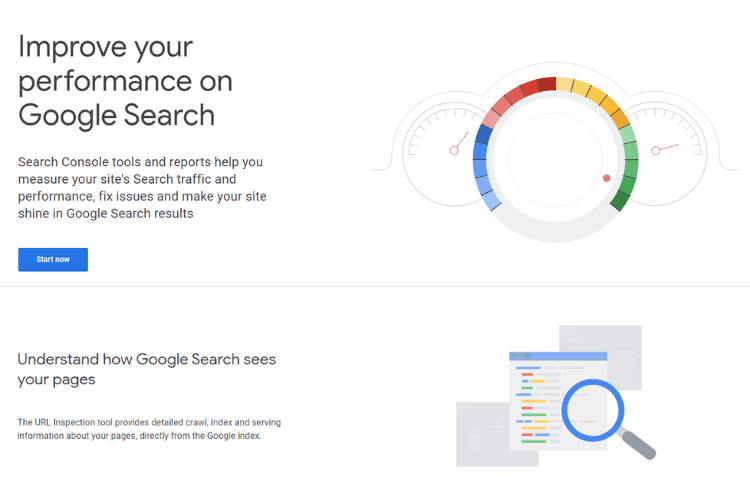
Google Search Console is the first tool to open when you own the site. It shows clicks, impressions, click-through rate, and average position from Google Search.
Pros: it is free, accurate for Google Search, and tied to real queries. It also shows indexing issues and page-level search performance.
The trade-off: it does not show competitor traffic, and it does not measure non-Google traffic. A site with heavy referral or direct traffic will look quieter in Google Search Console than it really is. Pair it with GA4 when you need total site behaviour.
Best for: checking which keywords and pages bring your own organic visitors.
2: Ubersuggest
Ubersuggest is a low-cost SEO tool that can estimate competitor traffic, show keywords, and list top pages.
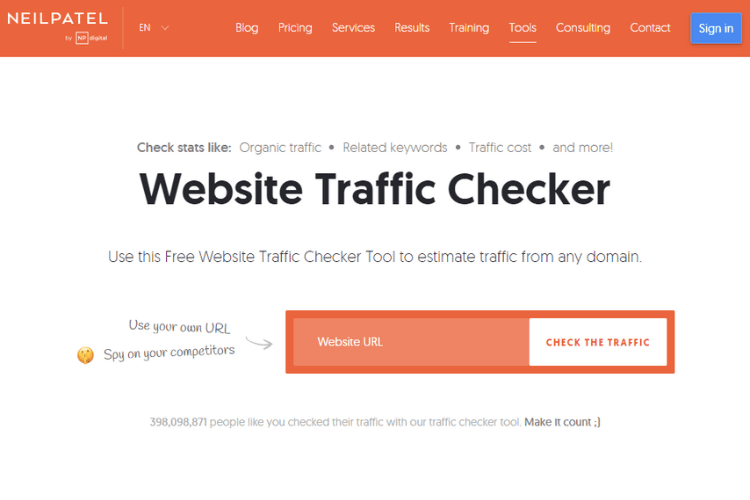
Pros: the interface is beginner-friendly, pricing is clear, and the free account is useful for light checks. Paid plans currently sit in the US$29 to US$99 a month range, with a 7-day trial for monthly subscriptions.
The catch: it is thinner than Semrush or Ahrefs for deep competitor work. Use it when you need speed and price control, not enterprise depth.
Best for: small sites, early research, and simple competitor checks.
3: Similarweb
Similarweb is one of the quickest ways to estimate traffic for a site you do not own.
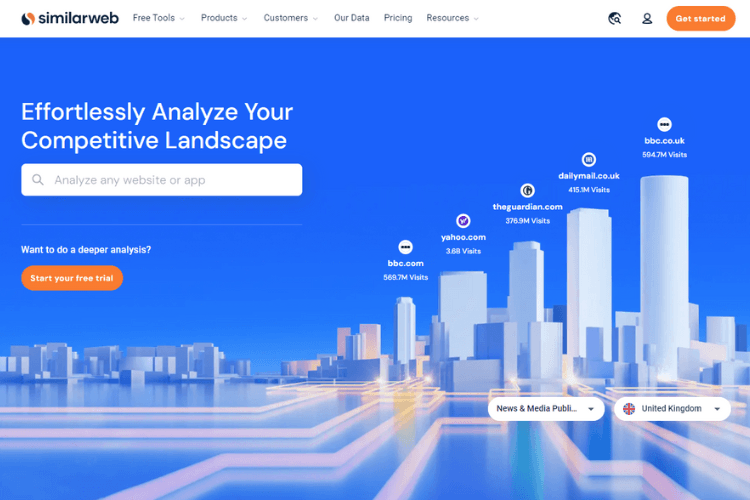
Pros: it gives traffic, engagement, source mix, audience geography, top keywords, and competitor comparisons. The free Similarweb checker allows three searches a day.
The catch: Similarweb returns no data for sites under about 5,000 monthly visits, so it is weak on small publishers. Similarweb also shows no public paid price, so treat paid access as something to verify before you plan budget.
Best for: fast market checks, publisher sense-checks, and broad competitor comparisons.
4: Semrush
Semrush combines a website traffic checker with a broader SEO and market research suite.
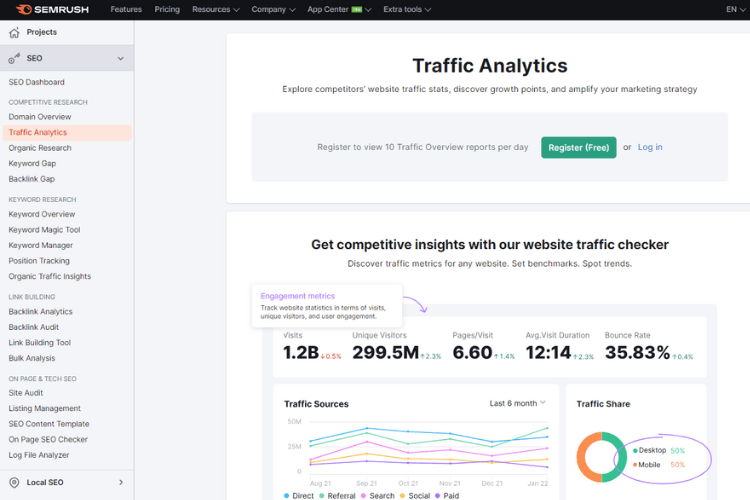
Pros: it estimates visits, unique visits, engagement metrics, organic traffic, paid traffic, top pages, keywords, backlinks, and AI visibility. The free Semrush checker handles quick checks, and the free plan gives 10 reports a day with no credit card. The plan called SEO costs $139 a month on the monthly list price, or $117.33 a month billed annually, and the next plan up, Starter SEO + AI Search, is $199 a month. A seven-day trial is available.
The trade-off: it can feel overpriced if you only need a few traffic checks each month. It becomes worth it when you also use rank tracking, site audit, keyword research, and competitor monitoring.
Best for: agencies and teams that need traffic estimates plus SEO workflows.
5: Ahrefs
Ahrefs is strongest when traffic analysis needs to sit next to backlinks and organic keyword data.
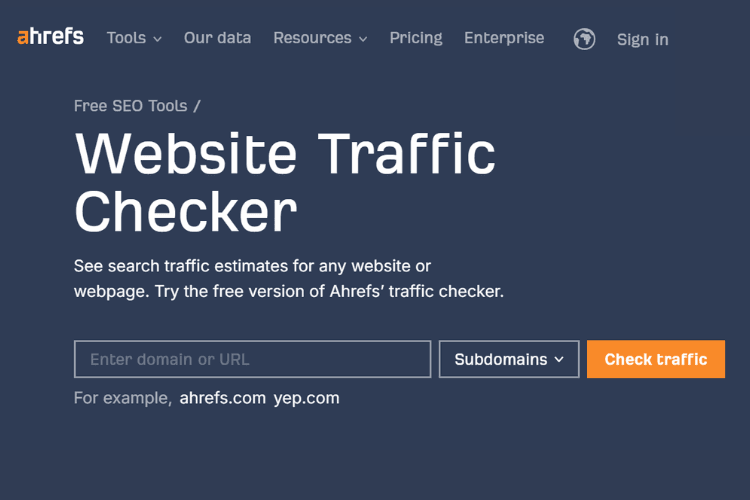
Pros: Ahrefs Free gives website owners limited Site Explorer and Site Audit access. Paid Ahrefs access is better for competitor traffic because unverified sites need premium allowances.
The catch: pricing was shown to us in euros, with Starter at €27 a month and Lite at €119 a month. Check your own currency before buying.
Best for: organic traffic estimates, backlink-led audits, and link prospect checks.
6: Serpstat
Serpstat is a cheaper all-in-one SEO platform with site analysis, rank tracking, audit tools, and backlink data.
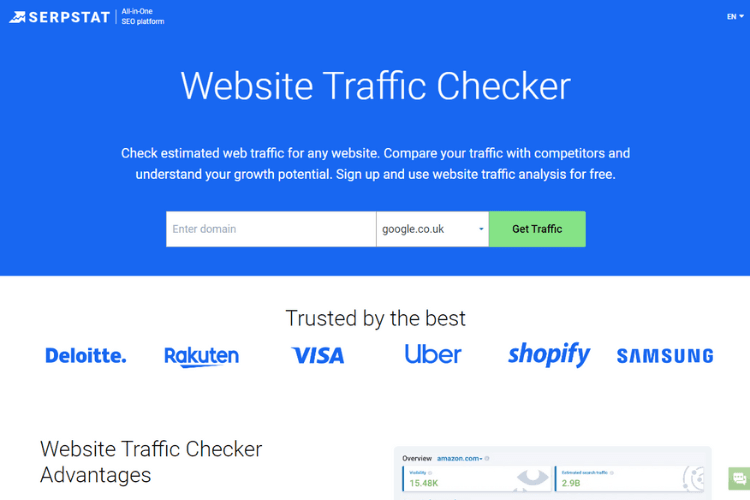
Pros: it is one of the cheaper full SEO suites. The Serpstat Individual plan is $50 a month, capped at 100 searches a day, and the seven-day trial gives you room to test it, though the trial needs a card with a $1 verification.
The catch: the interface and database depth may not beat Semrush or Ahrefs in every market. It is still fine for budget-led SEO work.
Best for: freelancers, small teams, and lower-cost SEO reporting.
7: MonsterInsights
MonsterInsights is a WordPress plugin that brings Google Analytics reporting into the WordPress dashboard.
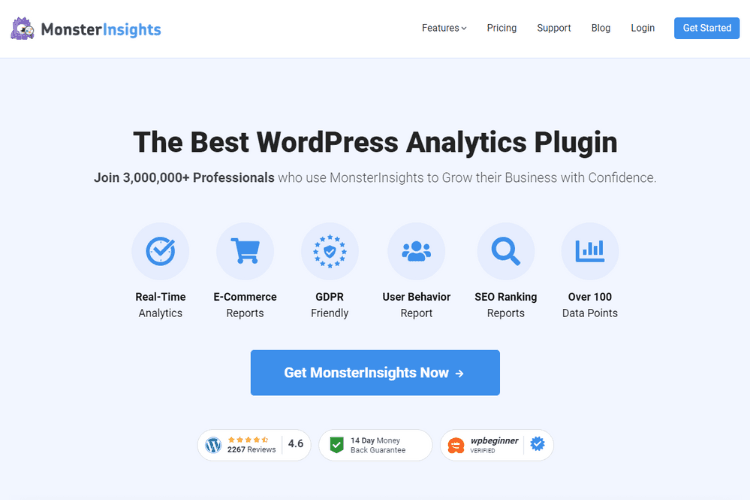
Pros: the Lite plugin is free, and paid plans add richer reports, ecommerce tracking, real-time analytics, PDF exports, and more. The lowest paid plan is Plus at an introductory $99.50 a year, normally $199, with renewals at full price. MonsterInsights offers a 14-day refund guarantee rather than a trial.
The catch: it only helps if you run WordPress and own the site. It is not a competitor website traffic checker.
Best for: WordPress site owners who want GA4 data without living inside GA4.
8: Sitechecker Pro
Sitechecker Pro combines traffic checks with site monitoring, rank tracking, GSC and GA4 dashboards, and audits.
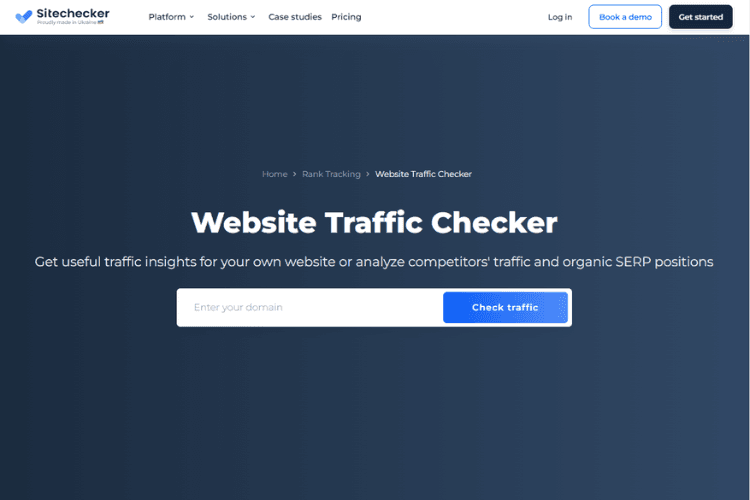
Pros: it offers a free traffic checker at sitechecker.pro/traffic-checker and a 14-day free trial with no credit card. For owned sites, Sitechecker Pro can connect GA4 and GSC in one dashboard.
The catch: Sitechecker Pro lists its plan prices in US dollars on its plans page, and the figure varies by tier. Start with the trial, then check the plan price shown for your account before you buy.
Best for: teams that want traffic data next to site monitoring and SEO issue tracking.
9: HubSpot
HubSpot reports website traffic inside a wider CRM and marketing platform.
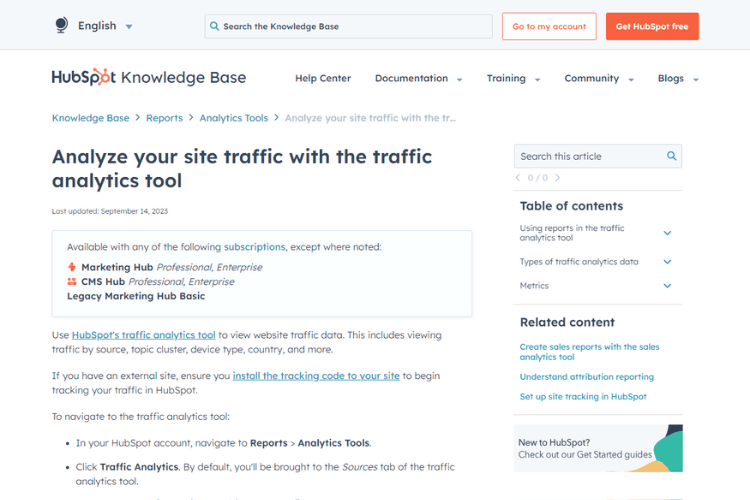
Pros: HubSpot gives CRM-linked traffic reporting, so visits sit inside the same system a team uses for the rest of its marketing. Free tools cover up to two users, and Marketing Hub Starter costs $7 a month per seat billed annually, or $20 a month per seat on monthly billing.
The trade-off: it is overkill if all you need is a traffic estimate. HubSpot makes sense when traffic reporting needs to live inside a CRM.
Best for: B2B teams that want traffic reporting tied to their CRM.
10: SE Ranking
SE Ranking checks website traffic across organic and paid search, with keyword, page, country, and competitor views.
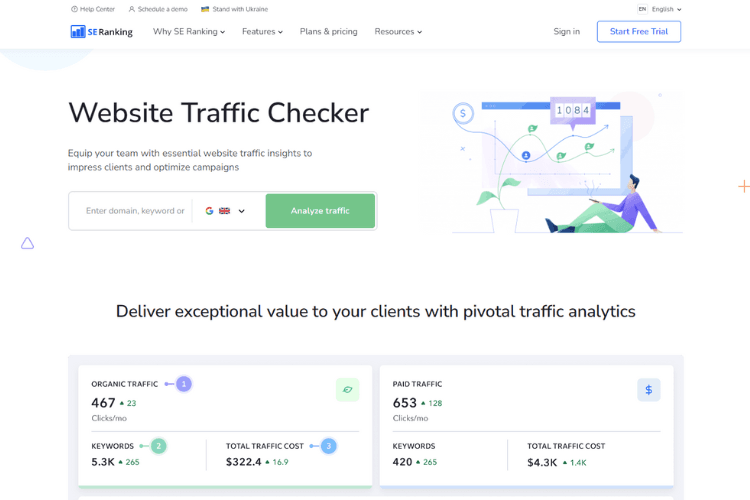
Pros: the free SE Ranking traffic checker is useful, and SE Ranking is open about the difference between first-party data from Google Analytics and Search Console and its own third-party estimates: SE Ranking lets you research any website, while the Google tools only show your own verified domains. SE Ranking also connects GA4 and GSC for owned-site reporting.
The catch: SE Ranking prices were shown to us in euros. The Core plan starts at €87.20 a month billed annually, or €109 a month on monthly billing, and the 14-day trial needs no credit card.
Best for: SEO teams that want traffic estimates, rank tracking, audits, and PPC visibility in one place.
Start checking your website traffic today
Start with the question, then pick the tool.
If you own the site, open GSC and GA4 first. If you’re checking a competitor, use a website traffic checker and accept that the result is an estimate. If you’re vetting a publisher, compare tools, inspect the ranking footprint, and look for traffic that matches the site’s topic.
Traffic is useful when it changes a decision. Otherwise it is just a number in a dashboard.
Frequently asked questions
What is website traffic and why is it important?
Website traffic is the number of visits a site receives. It matters because traffic shows whether people are finding, visiting, and engaging with your pages.
How can I check my website traffic for free?
Use Google Search Console for Google Search traffic and Google Analytics 4 for on-site behaviour. If your site runs on WordPress, MonsterInsights Lite can show GA4 reports inside WordPress.
Can I check a competitor’s website traffic?
Yes, but only as an estimate. Use tools such as Similarweb, Semrush, Ahrefs, SE Ranking, Serpstat, Ubersuggest, or Sitechecker. Cross-check more than one tool before acting.
How accurate are website traffic checkers?
They are estimates, not counts, and none of the big vendors publishes an error margin. Cross-check at least two tools before you act on a number, and use your own Google Analytics 4 and Search Console data for anything you report as fact.
How can I use website traffic data to improve my marketing strategies?
Find the pages and channels that bring engaged users, then improve weak pages, strengthen internal links, test clearer CTAs, and invest more in sources that convert.
How often should I check my website traffic?
Check high-level traffic weekly and review decisions monthly. Daily checking is useful during launches, migrations, or traffic drops, but it can waste time during normal periods.
related Blog Posts



Join 7,000+ Clients Growing with Rhino Rank
Sign Up


Stay ahead of the SEO curve
Get the latest link building strategies, SEO tips and industry insights delivered straight to your inbox.