
 Back to all posts

A technical SEO audit in Semrush is run with Site Audit, the crawler-based audit built into the Semrush SEO Toolkit. You create a project, work through a setup wizard of up to five steps, start the audit, and read the result as a Site Health score, a list of issues and eight reports. Semrush says Site Audit checks for over 140 issues.
This guide covers what Site Audit is, each setup step by its current name, how Site Health is counted, what each of the eight reports shows, where links come into a site audit, what to fix first, and how to compare one audit with the next. Semrush’s Knowledge Base pages print no update date, so the names and limits here are as those pages gave them in October 2026.
What Semrush Site Audit is, and what it is not
Site Audit is Semrush’s crawler-based audit of your own website, and its crawler is called SiteAuditBot. Site Audit works inside a project. Semrush’s setup page says that when you create your first project in Semrush, Site Audit is configured and launched automatically for the domain you provided. For any projects you create after that, you configure Site Audit yourself, from Site Audit’s own screen.
How much Site Audit crawls depends on the plan, by Semrush’s own Site Audit page. Without the SEO Toolkit, the crawl is 100 pages per audit. The Starter plan, which includes what Semrush calls the Pro SEO Toolkit, and the Pro+ plan, which includes the Guru SEO Toolkit, allow 20,000 pages per audit. The Advanced plan, which includes the Business SEO Toolkit, allows 100,000 pages per audit. Monthly totals for those three plans are 100,000, 300,000 and 1,000,000 pages; the page does not list the plan Semrush calls SEO. What a crawl limit means for a large site is covered in crawl budget.
Two things Site Audit is not. It reads your own site, not your backlinks; backlink analysis is a separate tool, covered further down this page. And it does not show which of your pages are indexed. That is Search Console’s Page indexing report, covered in Page indexing statuses. Some searchers also look for a batch analysis inside Site Audit. The nearest Semrush feature is Bulk Analysis, which sits in the Backlinks tool rather than in Site Audit and shows how many backlinks and referring domains point to each of up to 200 URLs at a time.
How to set up a Semrush Site Audit, step by step
The Site Audit setup wizard has one required step, General settings, and four optional ones: Crawler settings, Allow/disallow rules, URL parameter rules and Restrictions to bypass. The first three headings below sit inside General settings. You can launch Site Audit with the defaults, but the defaults decide how much of the site is crawled, so each step below earns a look.
Scope and Limit per audit
General settings opens with Scope and Limit per audit. Scope takes a domain, a subdomain or a subfolder. Enter a domain and you can also tick a checkbox to crawl all subdomains. Enter a subfolder and the audit stays inside that folder, which suits a check on one section of a larger site.
Limit per audit is the number of pages Site Audit crawls each time it runs. Semrush says to base the number on your subscription and on how often you re-audit your site.
The limit shapes what the score describes. Marc Andrews, who runs an affiliate blog under his own name, audited his own site on a Semrush subscription he paid for, in an article published on 10 April 2026 and updated in August 2026. He writes: "The limit per audit starts at 100 pages, so the default would have graded 100 of my pages rather than 500, and the Site Health score would have described that smaller sample." His crawl stopped at the 500-page limit he had set, and his advice in the same article is to raise the limit before the first run, or the score describes only part of the site.
Pages to crawl
Pages to crawl sets how SiteAuditBot finds pages. Semrush’s setup page lists the options: "There are 4 crawl sources: Website, Robots.txt sitemap, Sitemap by URL, and Import URLs from file."
Website follows links from the homepage through the site, so pages that nothing links to can be missed. Robots.txt sitemap crawls only the URLs in the sitemap linked from your robots.txt file. Sitemap by URL takes one sitemap address, and Site Audit uses one sitemap URL at a time. A site with several sitemaps should use Import URLs from file, which crawls a set of pages you upload.
Schedule
Schedule sets how often Site Audit re-audits the site on its own. The options are Weekly, on a day you choose, Daily, or Once, and Semrush says the time of the re-crawl is chosen automatically. You can also re-run the audit at any time, so a fresh crawl after a big site change never has to wait for the schedule.
Crawler settings
Crawler settings carries three settings: User agent, Crawl delay and JS rendering.
User agent decides how the bot introduces itself to your server. The options are SiteAuditBot (Desktop), SiteAuditBot (Mobile) and OpenAI-Search, with SiteAuditBot (Mobile) as the default. Semrush’s setup page notes: "Googlebot Desktop and Mobile are no longer available in the User agent dropdown in Crawler settings."
Crawl delay controls how quickly SiteAuditBot requests pages. Semrush lists the choices: "You have 3 options for setting a crawl delay: Minimum, 1 URL per 2 seconds, and Respect robots.txt."
JS rendering decides whether SiteAuditBot executes your JavaScript. Turned on, the bot executes your JavaScript files and sees the content your visitors see. Turned off, it reads only the HTML, which Semrush describes as faster and lighter on your site but less accurate on JavaScript-heavy pages. Semrush says JS rendering comes with the Guru or Business SEO Toolkit, which are the Pro+ and Advanced plans on the pricing page.
If your server blocks the crawler, Semrush’s troubleshooting page says to ask your webmaster or hosting provider to allowlist SiteAuditBot. A block can also be partial: Marc Andrews traced his two largest error rows to his host’s bot protection, which began serving the crawler a captcha page partway through his crawl, so those pages were graded on the captcha rather than on their contents.
Allow/disallow rules and URL parameter rules
Allow/disallow rules crawl or block specific subfolders, and you can enter several subfolders at once. URL parameter rules list the parameters your site uses, so Site Audit strips them from URLs while crawling. Stripping parameters keeps the crawl on the pages themselves rather than on parameter variations of the same page, which matters on sites that generate filtered or sorted URLs.
Restrictions to bypass
Restrictions to bypass is the step that overrides robots.txt. Semrush built it for cases such as auditing a site in pre-production or one hidden behind basic access authentication, and it gives three options. The first, Bypass disallow rules in robots.txt and meta robots tag, asks you to upload a .txt file Semrush provides to the root folder of your site. The file verifies your ownership and lets SiteAuditBot crawl pages that a disallow directive or a robots meta tag would otherwise block. The other two options are Crawl with my credentials and Crawl with Web Bot Auth signature.
With the wizard finished, press Start audit. Site Audit then crawls the site and builds the Overview, the issues list and the eight reports. The first crawl is also the baseline that later audits are compared against.
How Site Health is counted
Site Health is a percentage from 0% to 100%, built from the errors and warnings found, set against the number of checks Semrush runs, rather than from how many pages were crawled. The Overview shows the score beside a breakdown of the crawled pages: healthy, broken, with issues, redirects and blocked. Beside the errors and warnings, the Overview also lists the top issues from the audit. Semrush’s page on the score gives the calculation in its own words: "The Site Health Score doesn’t depend on the number of pages crawled on the site, since the frequency of each error’s occurrence is what accounts for the score."
Issues fall into three groups. Errors are shown in red and are the most severe. Warnings are shown in orange and sit in the middle. Notices sit below both. Semrush’s issues-report page says notices do not affect the score, while its page on the total score says errors carry more weight than warnings and notices. The two pages differ on whether notices count.
No Semrush page we read sets a band for a good Site Health score, so any band you see quoted elsewhere is someone’s opinion rather than Semrush’s. The workable comparison is with the same site’s last audit, not with a threshold. Semrush’s page on the score does offer one benchmark: a Top-10% websites drop-down showing the average score of the top 10% of sites. Compare like with like, too: turning on JS rendering can change the score, Semrush notes, since the crawl then checks more content.
Two single-site counts show how different the picture can look from one crawl to another. Marc Andrews’ crawl of 500 pages, from a report dated 4 August 2026, showed a Site Health of 69%, with 139 errors coming from just eight distinct checks and 1,373 warnings. Alston Antony, an SEO consultant, audited one site with a 100-page limit in January 2024 and reported a Site Health of 88%, with 2 errors, 123 warnings and 430 notices. Each count describes that one site and that one crawl, nothing wider.
The eight Site Audit reports and what each shows
The Site Audit Overview shows eight report widgets, and each widget opens a detailed report on one part of the crawl. For diagnosis page by page rather than site-wide, Semrush points to the Crawled Pages report, which lists every page the crawl reached and its status.
Report | What it shows, in Semrush’s description |
|---|---|
Robots.txt | Changes to your robots.txt file and issues with it that could affect crawling |
Crawlability | The site elements that affect how search engines crawl the site, including crawl depth |
HTTPS Implementation | Issues with certificate registration, server support and website architecture |
International SEO | Pages with hreflang tags and issues with them, read from the HTML only |
Performance | Speed-related issues in CSS and JavaScript resources |
Internal Linking | Pages with high click depth, broken links and the pages with the most Internal LinkRank |
Markups | A grade based on invalid against valid structured data items |
Core Web Vitals | Lab data for ten pages |
Core Web Vitals deserves a closer look because its sample is small. Semrush says: "This report provides data for a set of 10 pages, selected manually or automatically." If you do not choose the pages yourself, Site Audit takes the first ten pages that return a 200 status code. The measurement is a lab one, run with Lighthouse, and the Semrush pages name LCP, CLS and TBT as the metrics. Semrush’s page on the difference adds that Search Console’s Core Web Vitals figures are field data from real users, so the two will not always match. Marc Andrews’ report scored 20% in this widget, measured on 10 pages of the 500 crawled, so the widget described those ten pages rather than his whole site. Ten pages is a sample, so choose pages that represent the templates the site runs on. For the thresholds themselves, Google’s web.dev page on Web Vitals, last modified 31 October 2024, gives LCP within 2.5 seconds, INP of 200 milliseconds or less and CLS of 0.1 or less, measured at the 75th percentile of page loads. For scale, the Web Almanac 2025 Performance chapter, published 15 January 2026, reports that 48% of websites had good Core Web Vitals on mobile in 2025, up from 44% in 2024 and 36% in 2023.
The Overview also carries an AI Search Health widget, which Semrush describes as a score for how optimised the site is for AI search.
On Marc Andrews’ report, the International SEO widget showed as not implemented on his site. Semrush’s page on the report does not define that label; it says the report reads hreflang tags from the HTML only.
Internal Linking, and where Backlink Audit fits
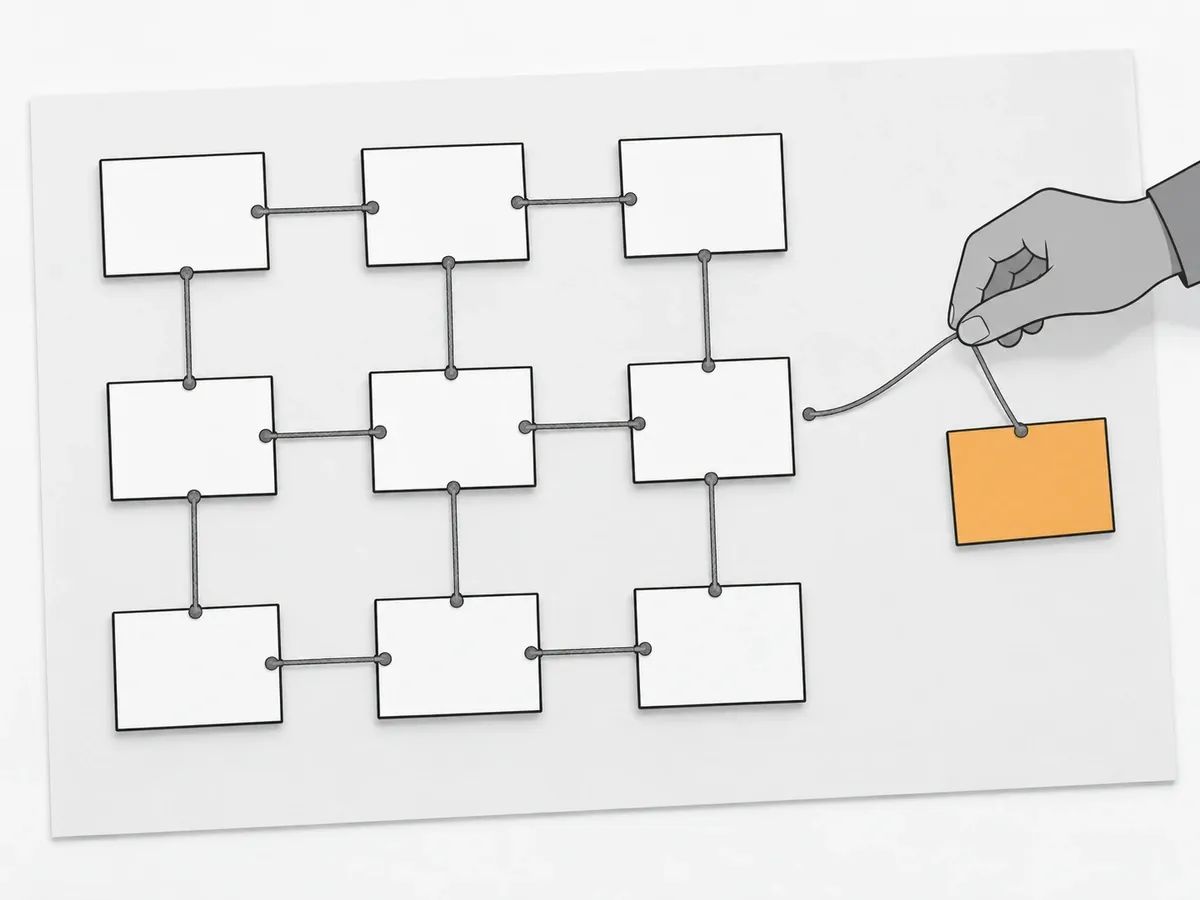
The Internal Linking report is where a Site Audit run touches links. Semrush describes what it surfaces: "You can easily see if you have any orphaned pages (pages with 0 internal links) or pages with only one internal link that could be given more links." A page with no internal links is hard to reach by following links alone, which is why the report singles it out. Semrush’s issues list adds two checks, Orphaned pages (in sitemap) and Orphaned pages (from Google Analytics); the second compares the crawled pages with a connected Google Analytics account. Semrush recommends that pages with important content sit no more than 3 clicks from the homepage. The Crawled Pages report adds an ILR column, short for Internal LinkRank, which Semrush bases on a page’s incoming internal links and its crawl depth. For the building side of the same subject, see internal link building.
Backlink Audit is a separate tool in the same SEO Toolkit, and it is not part of Site Audit. Two facts describe it. It has a Lost & Found report that tracks new and lost backlinks over time. It integrates with Google Search Console, Google Analytics and Majestic. Referring domains by Authority Score sit elsewhere, on the Overview tab of Semrush’s Backlinks tool. Nothing in Site Audit’s eight reports measures backlinks. Whether and when to run a link audit is covered in how to run a link audit, and the tracking side in backlink management.
Our own work is placing links, and one check in it reads the same thing a site audit does: the status code. Before a placement goes out, we check the HTTP status code the client’s target URL returns, so a link is not pointed at a dead page or a redirect chain. Site Audit’s Crawled Pages report shows the same thing for every crawled page in its Status Code column, and HTTP status codes explains what each code does to a link.
After a placement is published, we check that the page is live, that the link sits in the body copy, that the anchor and target URL match the order, and that the page is indexable. Only then is the URL reported. The full list of checks is on our quality assurance page. Our view: a link should point at a page that returns 200 and can be indexed, so run the audit on the pages you are building links to first.
What to fix first
Semrush’s own answer is errors first, because errors carry the most weight in the Site Health score. In Semrush’s words: "Errors have more impact on your Site Health Score than warnings, so it is recommended that you address errors first if you can." Semrush’s total-score page adds a second point: fixing every issue tied to one check moves the score more than fixing single issues from two different checks. Clearing every broken link on the site, to take Semrush’s own example, counts for more than fixing one broken link and one duplicate content issue.
Each issue in the report carries a How to fix explanation with Semrush’s suggested way of dealing with it. Semrush’s issues report also shows how many pages were found with each issue, along with the trend of discovered issues, which helps size a fix before it is scheduled. An issue can be sent to a Trello board or pushed through Zapier, so a fix can land in the task list a team already uses.
Two practitioners describe their working order from their own audits. Andrews writes: "Fix the broken links and images first because they are unambiguous, then the missing meta descriptions because they are finite". Antony works through errors, then warnings, then notices, and looks for the cause behind a repeated issue rather than fixing it URL by URL. These are two people’s working orders from two single-site audits, not Semrush’s.
Re-crawls, schedules and comparing audits
Site Audit keeps your past audits, and two tabs, Compare Crawls and Progress, turn them into a before-and-after view. Compare Crawls sets any two past audits side by side. Progress is an interactive line graph of how issue counts and other metrics changed across your audits. Statistics adds further reports on the pages crawled within a campaign. Compare Crawls can also be exported as a file, so a comparison of total issues, Site Health and each issue between two audit dates can be shared outside Semrush.
Semrush stores Site Audit data for up to 1 year after the last crawl. Crawls older than that are removed even when the campaign keeps being re-run, so export any comparison you want to keep. A re-crawl after a round of fixes is what gives the Progress graph its shape. After the setup wizard, you can also connect Google Analytics, so that issues affecting your most viewed pages are surfaced.
Frequently asked questions
Do you need to create a project before you can run a Semrush site audit?
Yes. Site Audit runs inside a project, and Semrush says the first project you create configures and launches Site Audit automatically for the domain you give. For any later projects, you configure Site Audit yourself from its own screen, where a new project can be created by following the prompts.
Which setup step overrides robots.txt in Semrush Site Audit?
Restrictions to bypass. Semrush gives that step an option to bypass disallow rules in robots.txt and the meta robots tag, and it works after you upload Semrush’s verification file to the root folder of your site.
Which user agents can Semrush Site Audit crawl with?
Semrush lists three: SiteAuditBot (Desktop), SiteAuditBot (Mobile) and OpenAI-Search. SiteAuditBot (Mobile) is the default. The Googlebot options are no longer offered in the User agent dropdown.
How many issues does Semrush Site Audit check?
Over 140, by Semrush’s issues list. Semrush groups them as errors, warnings and notices, with errors the most severe.
What is a good Site Health score in Semrush?
Semrush’s pages set no band for a good score, though its page on the score lets you compare yours with the average of the top 10% of sites. The score reflects how often each error occurs rather than how many pages were crawled. The useful comparison is with your own last audit of the same site, not with a threshold.
How do you do batch analysis in a Semrush SEO audit?
Site Audit has no feature by that name. Semrush’s Bulk Analysis sits in its Backlinks tool, not in Site Audit, and it takes up to 200 URLs at a time.
related Blog Posts



Join 7,000+ Clients Growing with Rhino Rank
Sign Up


Stay ahead of the SEO curve
Get the latest link building strategies, SEO tips and industry insights delivered straight to your inbox.